


.webp)

.webp)
.webp)
.webp)
.webp)







If you want to hire a dedicated UX/UI design team, the goal is not just to find designers. The goal is to find a product design team that understands your users, business goals, technical limits, and development workflow.
A dedicated UX/UI design team helps you plan user flows, create wireframes, design clean interfaces, test ideas, build design systems, and hand off developer-ready Figma files. This is useful when you are building a SaaS product, mobile app, dashboard, website redesign, or modernizing a legacy product that users already depend on.
The right team reduces design rework, improves product clarity, and helps developers build faster because the experience is planned before code starts.
A dedicated UX/UI design team is a group of designers and product specialists assigned to your project for a fixed period or ongoing engagement. They work like an extension of your team and handle UX research, user flows, wireframes, UI design, prototypes, testing, and developer handoff.
You should hire dedicated ux/ui design team support when your product needs more than a few screens. It is the right choice for SaaS platforms, mobile apps, dashboards, website redesigns, legacy product modernization, and products with multiple user roles or complex workflows.
A freelancer can work well for small, clear tasks. A dedicated UX/UI team is better when you need research, product thinking, design systems, testing, stakeholder alignment, and close collaboration with developers.
A strong UX/UI design team may include a UX designer, UI designer, product designer, UX researcher, design lead, UX writer, and project manager. The exact team depends on your product size, timeline, and complexity.
Check their case studies, process, communication style, Figma handoff quality, industry experience, team structure, and ability to work with developers. Ask for examples of user flows, prototypes, design systems, and shipped products.
An AI-first UX/UI design team uses AI tools to speed up research summaries, wireframe exploration, content drafts, documentation, design QA, and handoff notes. Human designers still make the final decisions, test usability, and align the design with business goals.
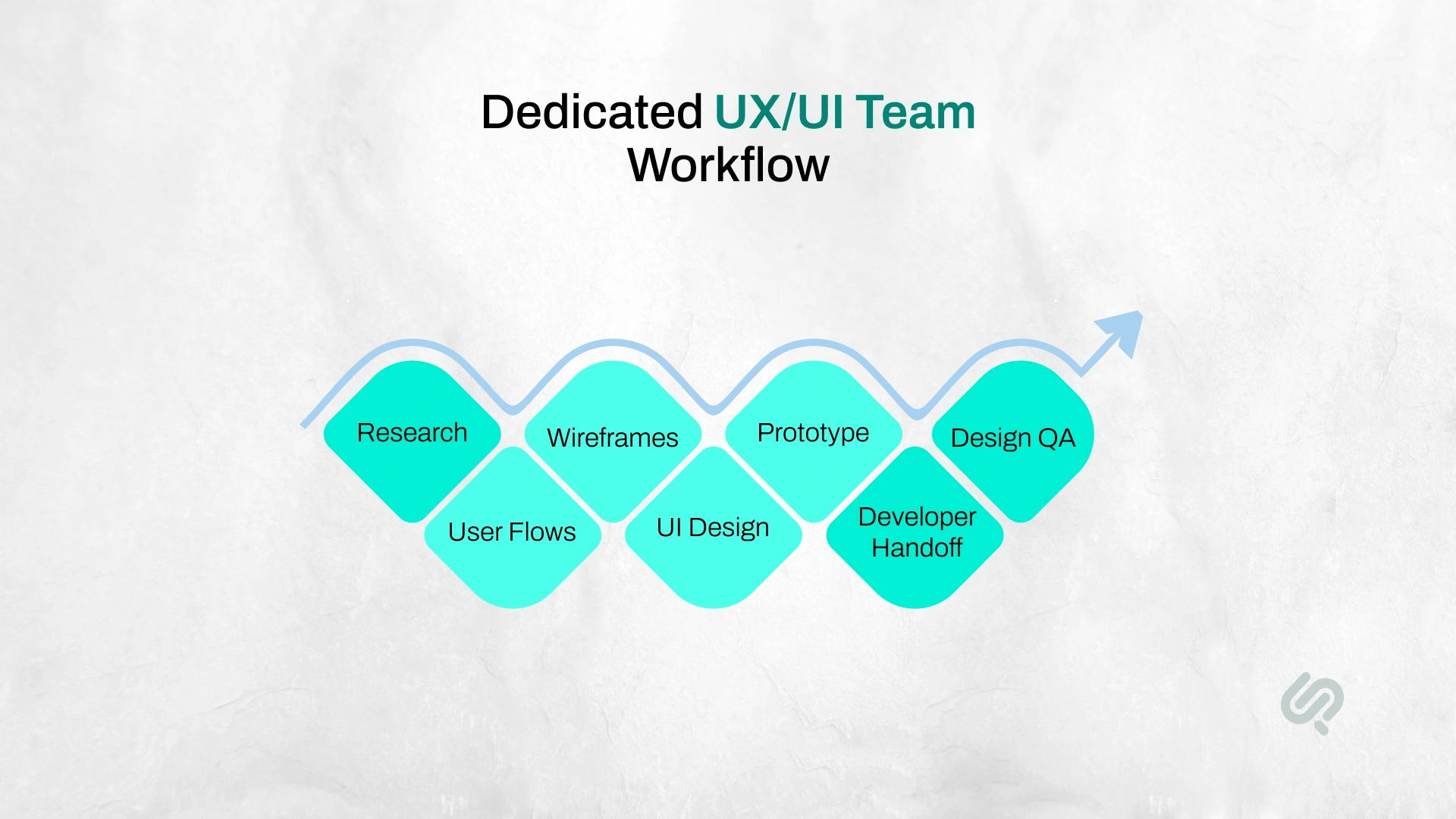
A dedicated UX/UI design team is a design team that works closely with your business for a defined project, sprint cycle, or long-term product roadmap.
Unlike a one-time freelancer, a dedicated team does not only deliver screens. It understands your product, users, brand, technical limits, and business goals over time.
A dedicated team usually works with your product manager, founders, developers, marketers, or internal stakeholders. The team joins planning calls, reviews feedback, updates Figma files, and supports developers during implementation. This makes the team more useful than a one-time designer who only delivers static screens.
A dedicated team can help with:
This is why businesses usually hire dedicated UX/UI designers when the product is important, complex, or already live.
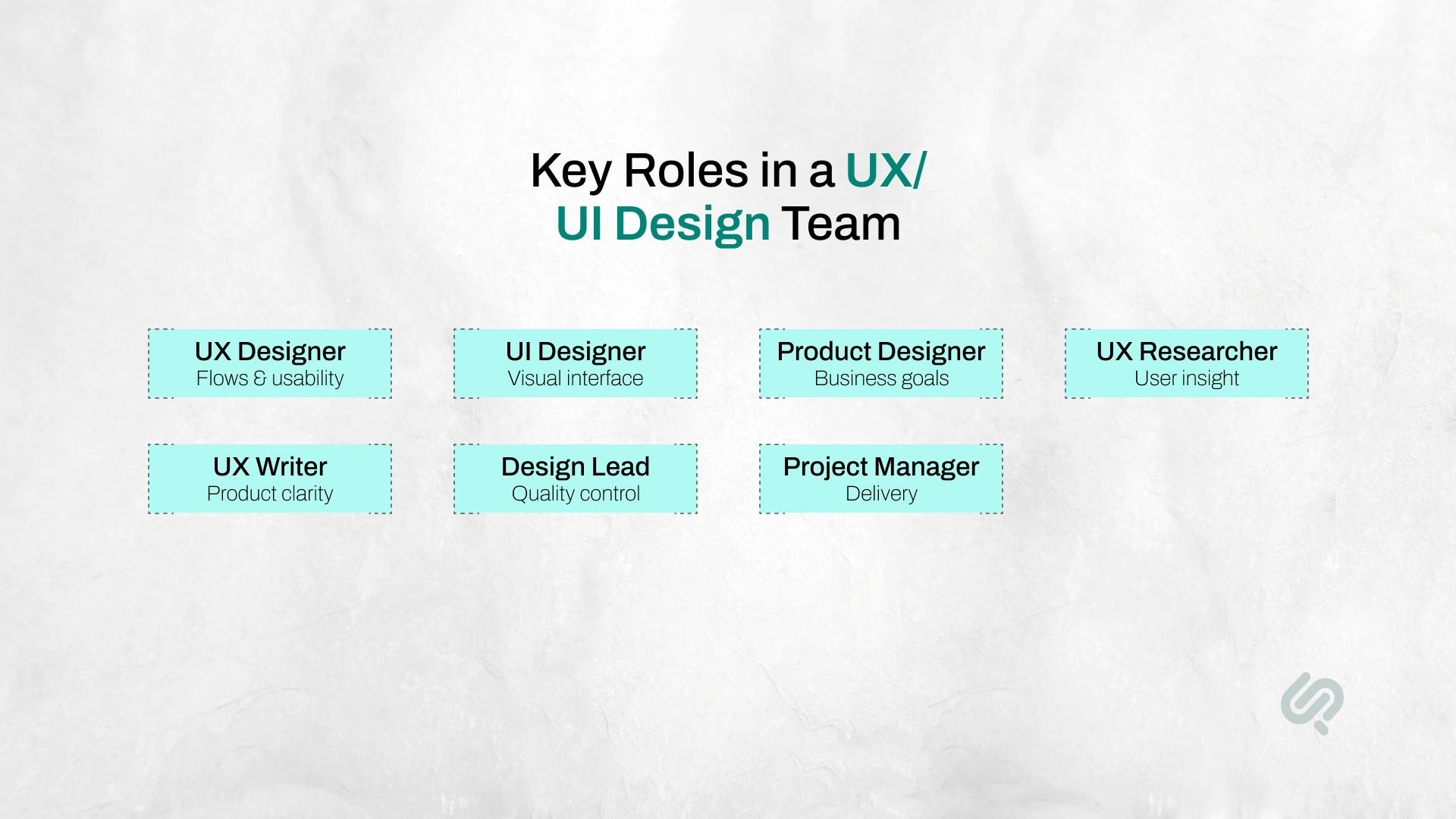
A dedicated UX/UI design team is not always made up of the same people. The right team depends on your product size, timeline, platform, and complexity.
For a small website redesign, you may only need a UX/UI designer and a project manager. For a SaaS platform, mobile app, dashboard, or legacy product redesign, you may need a fuller team with research, product design, UI design, and developer handoff support.
The goal is not to hire the biggest team. The goal is to hire the right mix of skills for your product stage.
A startup MVP may need lean UX/UI support. A live SaaS product may need a dedicated product designer, UX researcher, and design lead. A legacy system modernization project may need designers who can simplify old workflows without disrupting the users who already depend on them.

You should hire a dedicated UX/UI design team when design quality directly affects revenue, adoption, retention, or development speed.
McKinsey found that companies with top design scores achieved 32 percentage points higher revenue growth and 56 percentage points higher total shareholder return growth over five years, which shows why design quality should be treated as a business decision, not just a visual one. (1)
This usually applies when:
A dedicated team is especially useful for legacy product modernization. In these projects, the goal is not to “make it look better.” The real goal is to simplify workflows, reduce user friction, modernize old interfaces, and help developers rebuild the experience without breaking business-critical processes.
You may not need a dedicated UX/UI team if the work is small, simple, and clearly defined.
For example, a freelancer may be enough if you only need:
A dedicated team makes more sense when the product affects revenue, adoption, user retention, internal operations, or development speed.
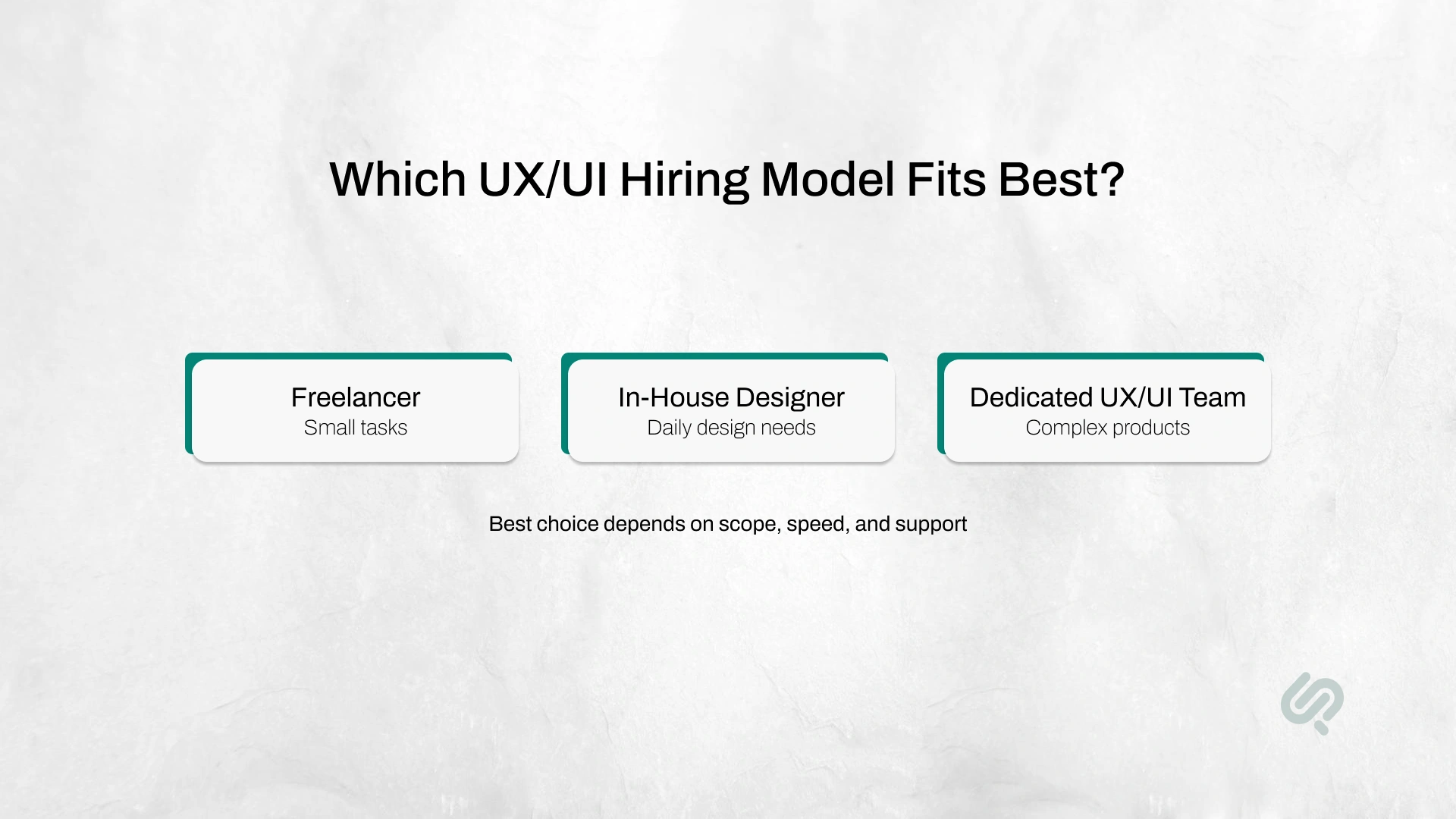
If your project is small and you already know exactly what you need, a freelancer may be enough.
If design is a permanent daily need, an in-house designer can make sense.
But if you need a complete product design process without building an internal team, a dedicated UX/UI team is usually the better business choice.
Before hiring, decide how much design support you actually need. Different engagement models work for different business situations.
A fixed-scope project works best when the requirements are clear.
For example, you may need 20 mobile app screens, a clickable prototype, and developer-ready Figma files. The scope, timeline, and deliverables are agreed on before the work starts.
Best for:
A monthly dedicated team works best when your product roadmap is ongoing.
This model gives you consistent UX/UI support every month. The team can work on new features, design improvements, design system updates, usability fixes, and developer handoff.
Best for:
A UX audit works best when you already have a live product but do not know exactly what is wrong.
The team reviews your product experience, user flows, navigation, forms, mobile responsiveness, accessibility, and conversion points. You get a clear list of problems and recommendations before starting a redesign.
Best for:
A design sprint works best when you need to test an idea quickly.
The team focuses on one problem, creates a prototype, and validates the direction before you commit to full design or development.
Best for:
A product design retainer works best when design is needed every month but you do not want to hire in-house.
This gives your business ongoing access to UX/UI designers, product thinkers, and design support without the cost and management effort of building a full internal team.
Best for:
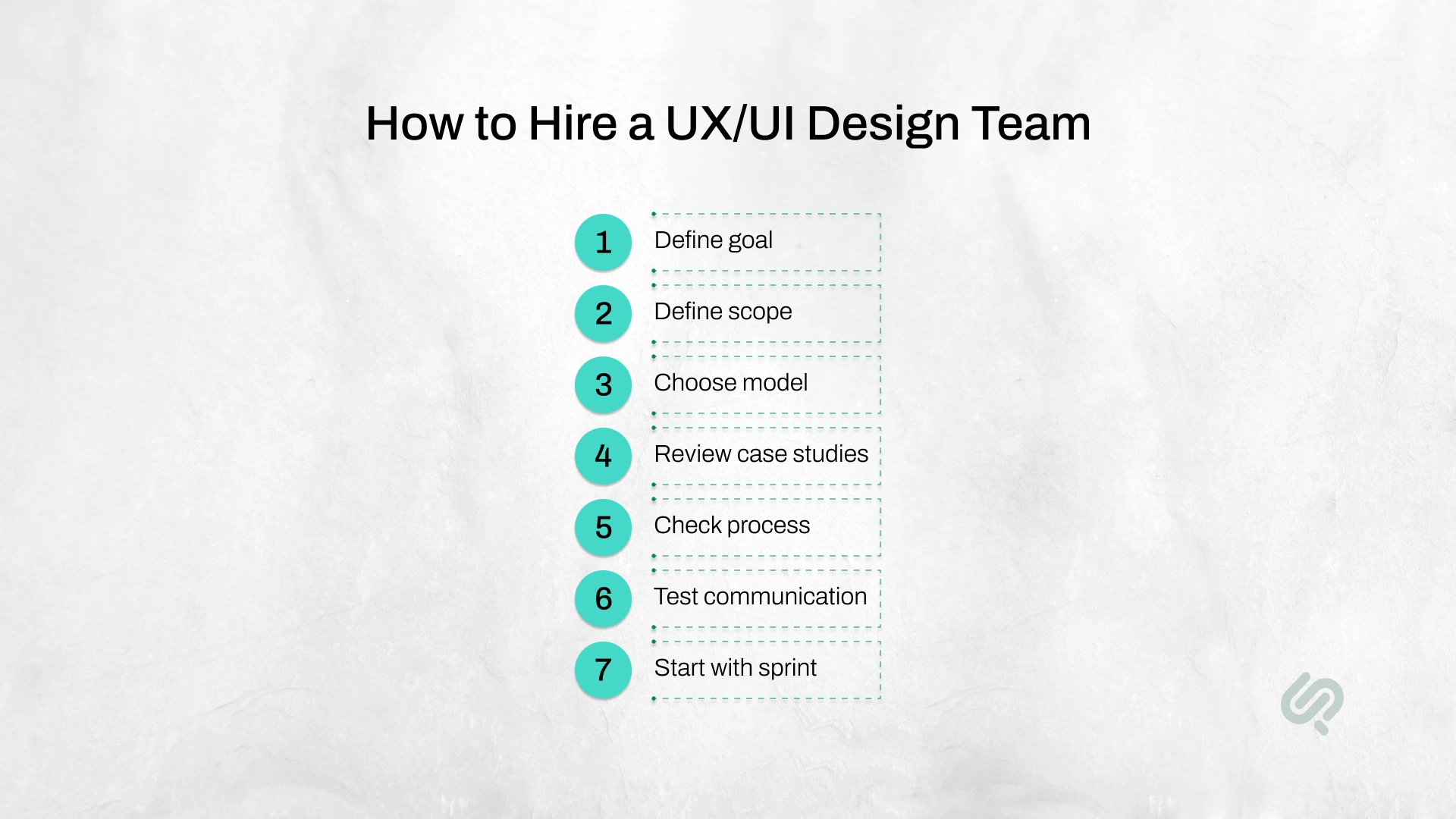
Start with the outcome, not the screens.
Ask:
Good UX/UI teams design around business outcomes, not personal taste.
Before you hire UI UX designers, write down what needs to be designed.
Include:
This does not need to be perfect. A strong design team can help refine it during discovery.
Pick the model based on your need.
Use a fixed project if the scope is clear.
Use a monthly dedicated team if the roadmap is ongoing.
Use a UX audit if you need to find problems before redesigning.
Use a design sprint if you need fast product validation.
Use a dedicated product design team if you need research, UX, UI, prototypes, and developer handoff together.
Do not judge a UX/UI team only by pretty visuals.
Look for:
A good case study shows thinking, trade-offs, and outcomes.
A strong UX/UI design process should include:
If a team jumps straight into UI screens, that is a warning sign.
Nielsen Norman Group found that testing with five users can uncover around 85% of usability problems, so even lightweight usability testing can help teams catch issues before development starts. (2)
The best design team is not just creative. It is clear, responsive, and easy to work with.
Ask how they handle:
Poor communication creates delays even when the design quality is good.
Before committing to a long engagement, start with a focused design sprint or discovery phase.
A good first sprint can include:
This gives you a real view of how the team thinks and works.
A strong UX/UI design team should be evaluated by more than portfolio visuals. Beautiful screens matter, but they do not prove that the team can solve product problems, support developers, or improve user experience.
Use these criteria before you hire.
Do not only look at the final design. Look at the problem behind the design.
A strong case study should explain:
If the case study only shows polished screens with no explanation, it may not prove enough.
A good UX/UI team does not just ask, “What should this screen look like?”
They ask:
This is important because product design is not decoration. It affects adoption, conversions, support requests, and development speed.
Ask how the team moves from idea to final handoff.
A strong process usually includes:
Red flag: if the team jumps straight into UI screens without understanding users, flows, and product goals, they may be treating UX like visual design only.
Poor handoff is one of the biggest reasons design slows down development.
Ask whether the team provides:
Good handoff helps developers build faster and reduces back-and-forth questions.
The best UX/UI team is not only creative. It should also be easy to work with.
Ask how they manage:
If communication is unclear during the sales process, it will likely be worse during delivery.
If the team claims to be AI-first, ask how they actually use AI.
Good answers may include AI-assisted research summaries, wireframe exploration, UX writing drafts, documentation, accessibility checks, QA lists, and handoff notes.
Weak answers sound vague, such as “we use AI to design faster” without explaining where AI fits in the process.
Ask these before you hire dedicated ux/ui design team support:
Before hiring a UX/UI design team, ask questions that reveal process, experience, communication, and delivery quality.
Hiring the wrong team can create problems that are expensive to fix later.
Common risks include:
The real cost of poor UX/UI is not only design cost. It is lost time, delayed development, lower adoption, and redesign work after launch.
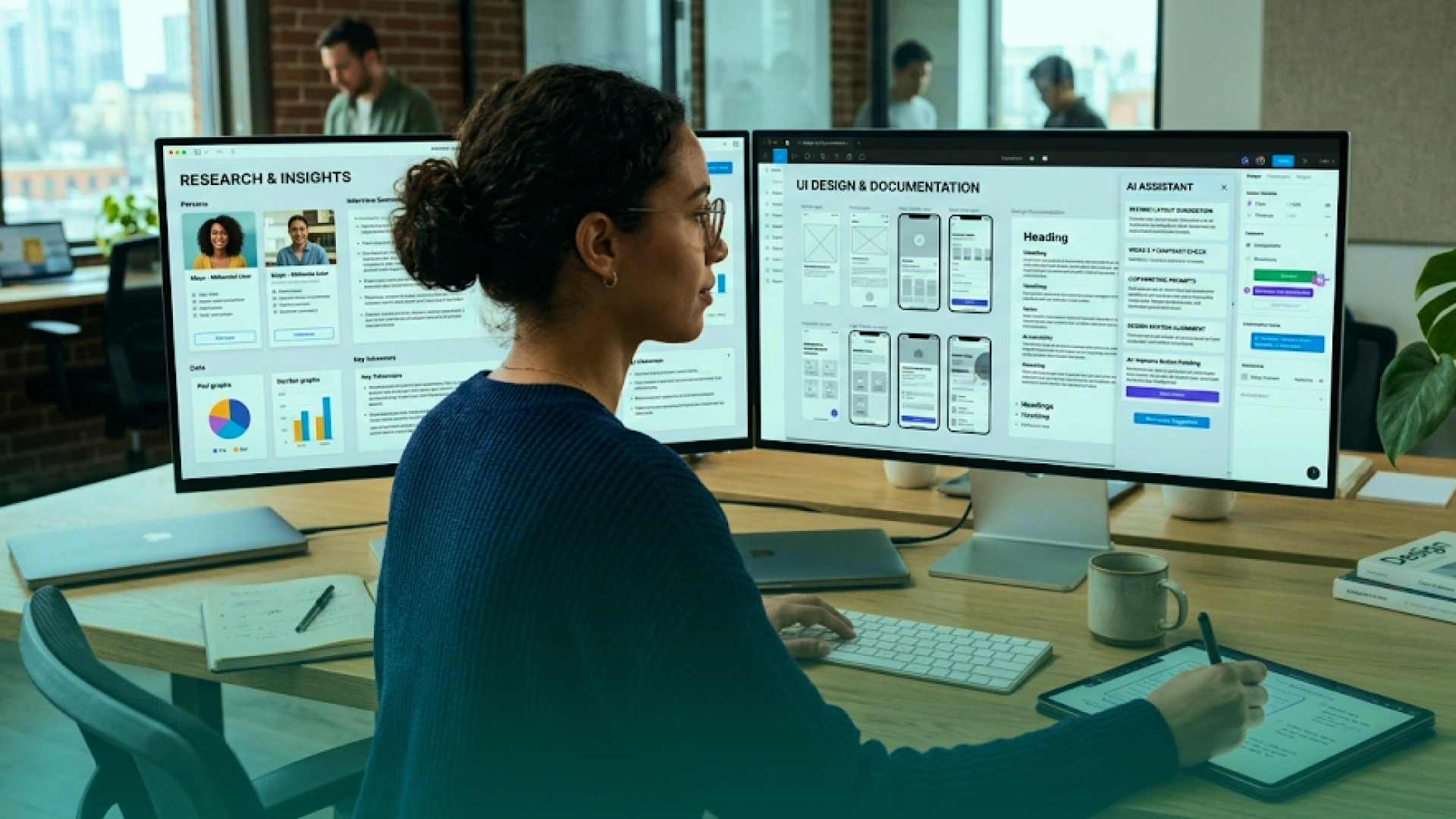
AI is changing how modern design teams work. It can help teams move faster, but it does not replace senior design judgment.
Stack Overflow’s 2025 Developer Survey found that 84% of respondents are using or planning to use AI tools in their development process, while 51% of professional developers use them daily, showing that AI-assisted workflows are now part of modern product delivery. (3)
An AI-first UX/UI team can use AI to speed up:
At Phaedra Solutions, our AI-first design process uses AI agents, AI tools, and modern design workflows to reduce manual effort and improve speed. Depending on project size, complexity, and scope, this can support 30% to 80% efficiency gains across timelines, cost, and team effort.
But final design decisions still need humans. Experienced designers must validate usability, business logic, accessibility, brand fit, and development feasibility.
As Mujtaba Sheikh, Head of Development and Design at Phaedra Solutions, puts it:
“AI can speed up the design process, but it cannot replace product judgment. The real value comes when designers use AI to remove repetitive work, then spend more time solving the user and business problems that actually affect product success.”
A strong example is Phaedra Solutions’ work on the Personal Styling App for a client in the Fashion industry. The project needed more than simple screen design. The platform included a web app, mobile app, style profiles, personal styling consultations, curated clothing selections, wardrobe tools, ordering flows, and communication with stylists.
Phaedra Solutions delivered the project across 9 weeks and 5 sprints with UI/UX designers working alongside developers, QA experts, project managers, and Scrum masters. This is the kind of project where a dedicated UX/UI design team makes sense because the work requires user flows, responsive design, iterative improvements, developer handoff, and cross-functional delivery, not just polished visuals.
If you want dedicated ux/ui design team support, Phaedra Solutions helps you move from unclear product ideas to clean, usable, developer-ready digital experiences.
Our AI-first design services cover UX research, UX audits, user flows, wireframes, clickable prototypes, UI design, design systems, responsive product design, and developer-ready handoff for web, mobile, SaaS, dashboards, and legacy product redesigns.
We use AI-first workflows to reduce manual effort, speed up design production, improve documentation, and support faster collaboration between design and development teams.
Book a free 30-minute consultation with Phaedra Solutions to review your product, identify the right design team setup, and plan the fastest path to a usable, build-ready experience.



Ameena is a content writer with a background in International Relations, blending academic insight with SEO-driven writing experience. She has written extensively in the academic space and contributed blog content for various platforms.
Her interests lie in human rights, conflict resolution, and emerging technologies in global policy. Outside of work, she enjoys reading fiction, exploring AI as a hobby, and learning how digital systems shape society.
