.webp)
.webp)
.webp)
.webp)
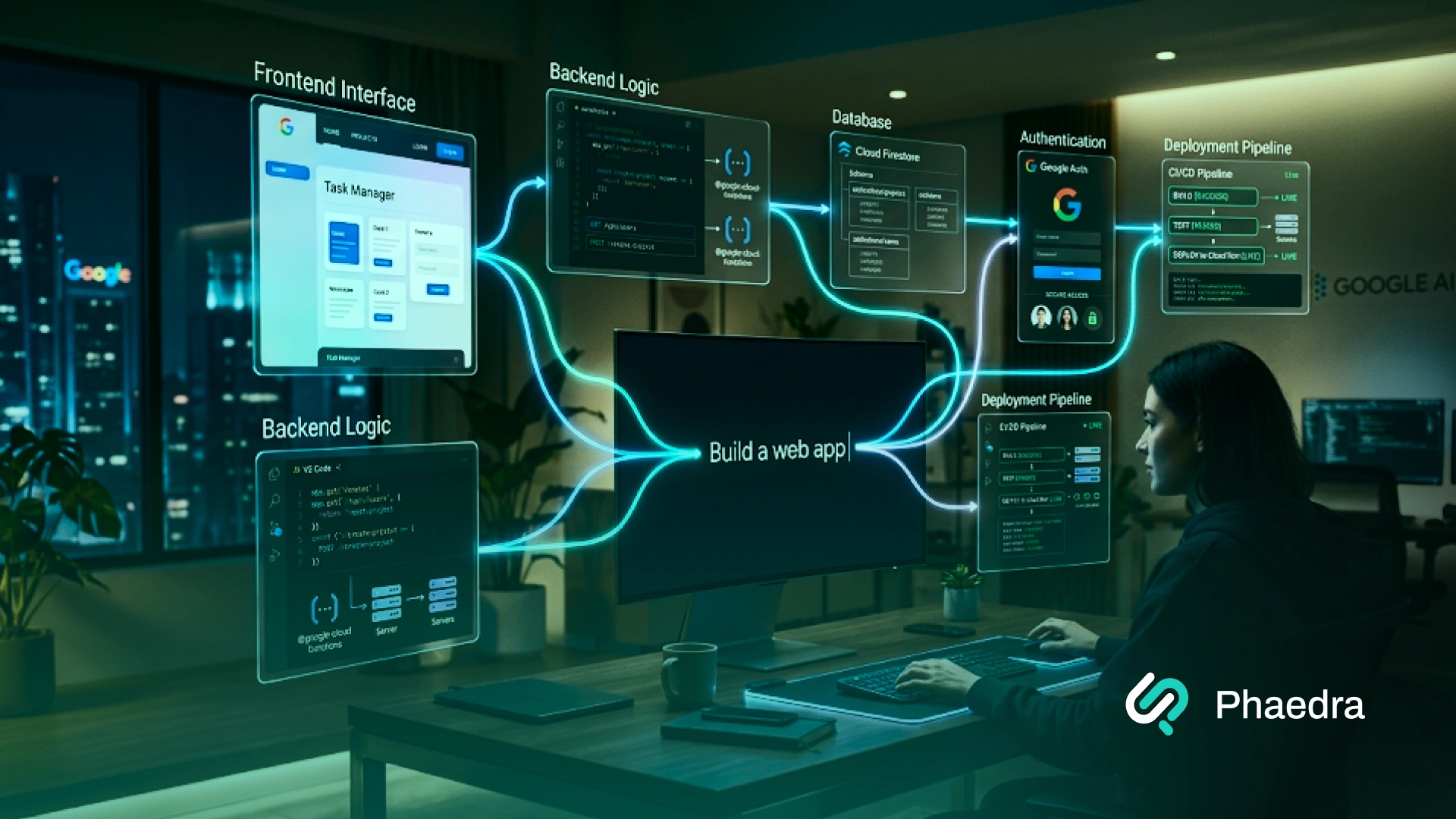






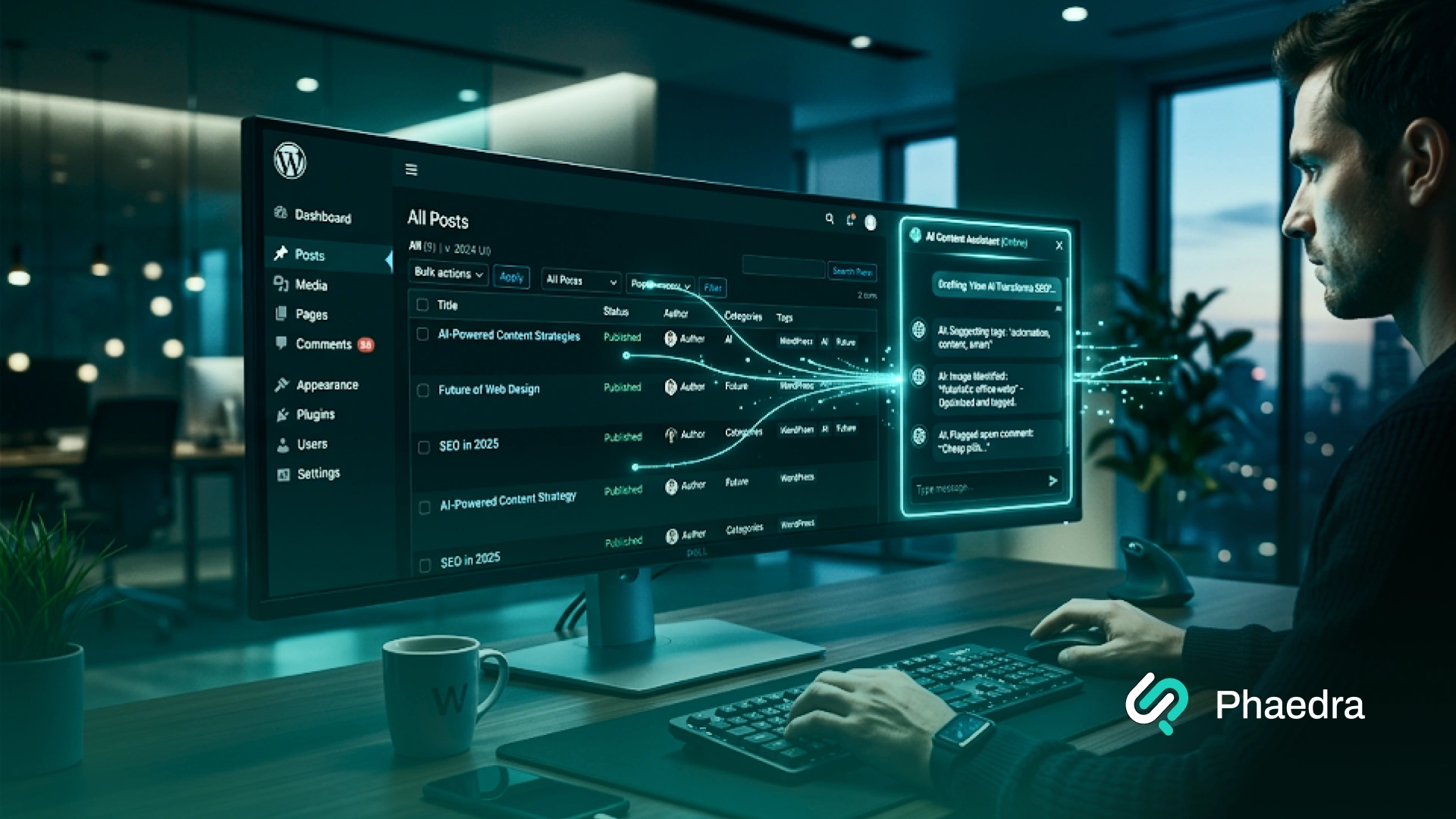
A WordPress AI agent is an AI system that can create, edit, organize, and manage content on your WordPress site using simple natural-language instructions.
Instead of only suggesting ideas, it can help with drafts, pages, tags, comments, media details, and publishing steps.
On WordPress.com, many of these actions now work through MCP-connected AI tools with approvals, draft-first controls, role-based permissions, and Activity Log tracking, while self-hosted WordPress can support similar workflows through MCP, abilities, and custom setup.
This guide explains what it is, what it can do today, how it works, and how to use it safely without losing human control.
A WordPress AI agent is an AI system that can take actions inside WordPress through chat-style instructions. It can help create drafts, update pages, organize categories, improve media details, and support publishing tasks.
It can help write and format posts, build or update pages, manage comments, clean up tags and categories, improve alt text and captions, and support content review and scheduling. On some setups, it can also work through MCP-connected tools.
Yes, in some setups it can. WordPress.com already supports draft creation, page updates, comment actions, category and tag changes, and media metadata updates through MCP-connected AI tools, with approvals built in.
No. WordPress.com already offers live write capabilities on paid plans, but self-hosted WordPress can also support AI agents through MCP, abilities, plugins, and custom setup.
MCP stands for Model Context Protocol. It gives AI tools a structured way to discover approved WordPress actions, read context, and perform tasks more reliably than copy-paste workflows.
A WordPress AI agent is an AI-powered system that can understand plain-language instructions and take real action on a WordPress site.
It does not just suggest what to do next. It can actually help edit posts, create pages, organize categories and tags, update metadata, manage comments, and support publishing tasks on your behalf.
That is the key difference.
A normal AI writing tool helps generate text. A WordPress AI agent helps manage the work around that text too. It connects content creation with execution, which is why it fits into bigger ideas like AI-assisted website management, AI-driven website management, and website management automation.
.webp)
A WordPress AI agent usually brings together three important things:
When those three pieces come together, AI moves beyond content generation and becomes useful for real site operations.
That is why a strong AI agent workflow matters more than a standalone prompt.
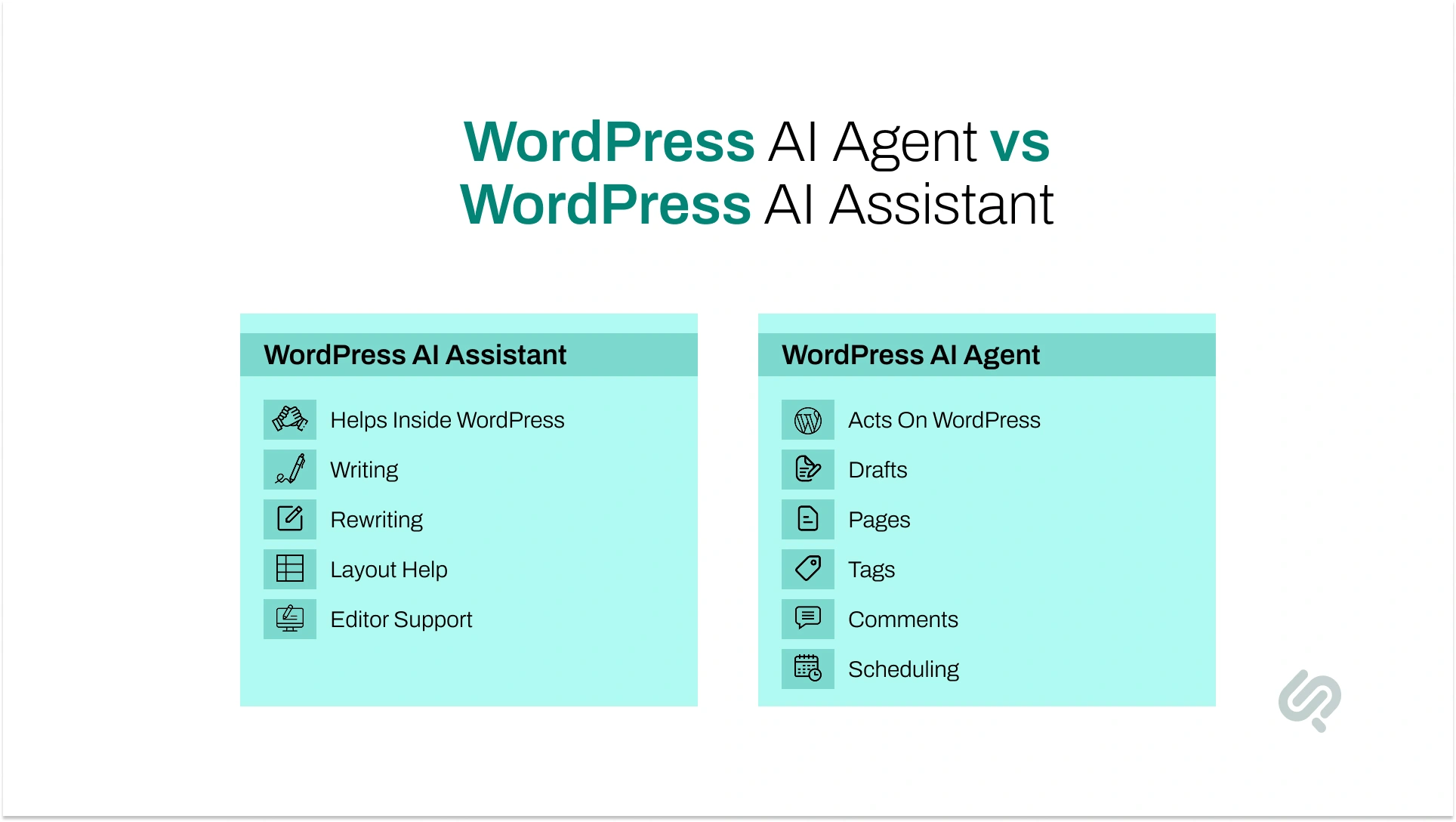
The difference becomes easier to understand when you look at how AI agents and agentic AI handle autonomy, tool use, and multi-step work in real systems.
A WordPress AI agent can now do much more than help you write. It can take action across your site, handle repeated content tasks, and support both publishing and site management. That is what makes this shift important.

AI is no longer limited to giving suggestions. It can now help carry out the actual work inside a WordPress workflow.
One of the most useful things a WordPress AI agent can do is turn a rough idea into a structured post draft. It can help write the content, format it, add headings, and prepare it for review or publishing.
Example:
You type: “Create a 1,200-word draft on email marketing trends, add a short intro, use H2s and H3s, and save it as a draft.”
The agent prepares the post inside WordPress instead of leaving you to copy and paste everything manually.
WordPress AI agents can also help create new pages or improve existing ones. In stronger setups, they can work with the page structure while also taking into account design elements like layout, spacing, and styling patterns already used on the site.
Example:
You type: “Create a services page for Shopify development using the same tone and structure as our web development page.”
The agent creates the page draft and keeps the structure closer to the rest of the site.
Content often becomes messy over time. Posts end up with weak tagging, overlapping categories, or inconsistent formatting.
A WordPress AI agent can help clean that up by organizing taxonomy and improving the overall content structure.
Example:
You type: “Review the last 20 blog posts, remove duplicate tags, assign better categories, and suggest missing internal links.”
The agent helps tidy the content instead of making you open each post one by one.
This is one of the most practical use cases. AI agents can help improve image metadata, including alt text, captions, and media titles. That saves time and supports both accessibility and SEO.
Example:
You type: “Scan this post and add clear alt text to all images based on what they show.”
The agent updates the media details instead of leaving those fields blank.
A WordPress AI agent can also support comment workflows. It may help sort, flag, draft replies, or organize comments that need review. This is especially useful for active blogs or content-heavy sites.
Example:
You type: “Group recent comments into spam, approval needed, and reply suggested.”
The agent helps reduce manual moderation work inside the dashboard.
Publishing is rarely just about writing. Someone still has to assign status, check metadata, schedule posts, and move content through review. AI agents can support those steps and make WordPress AI publishing more efficient.
Example:
You type: “Take these three finished drafts, add publish dates for next week, and mark them for editor review.”
The agent helps move content forward without you managing each setting manually.
On the more technical side, WordPress AI agents can now connect with MCP-based tools that let them interact with WordPress in a more structured way.
In local or test environments, they may read files, test code, run changes, and verify whether something actually works instead of only guessing.
Example:
You type: “Test this plugin update in a local WordPress environment and check whether it breaks the product page layout.”
The agent can run the check in a safer setup before changes reach the live site.
This is one of the most important newer use cases. WordPress.org recently highlighted a new AI agent skill built around wp-playground, which gives AI code agents a faster, repeatable way to run WordPress and verify plugin or theme changes as they work.
That matters because AI in WordPress is not only about writing content. For developers and agencies, it can also support safer testing, faster validation, and cleaner iteration before updates reach a live site.
This makes Natural language AI tools more useful for technical work, not just content work.
A practical example:
The plugin ecosystem is also moving in this direction. More tools now connect AI models with WordPress actions, making it easier to manage posts, pages, media, forms, users, and in some cases even WooCommerce products through conversational workflows.
Example:
You type: “Update product descriptions for our summer collection, shorten them, and keep the tone consistent across all items.”
The agent can assist with bulk content work that would otherwise take hours.
This is the part many articles miss. The best use of a WordPress AI agent is not always flashy. It is often the repetitive work that drains time every week.
That includes:
Example:
You type: “Refresh our top 10 traffic posts, improve headings, update meta descriptions, and save changes as drafts for review.”
That is the kind of task where AI saves real time.
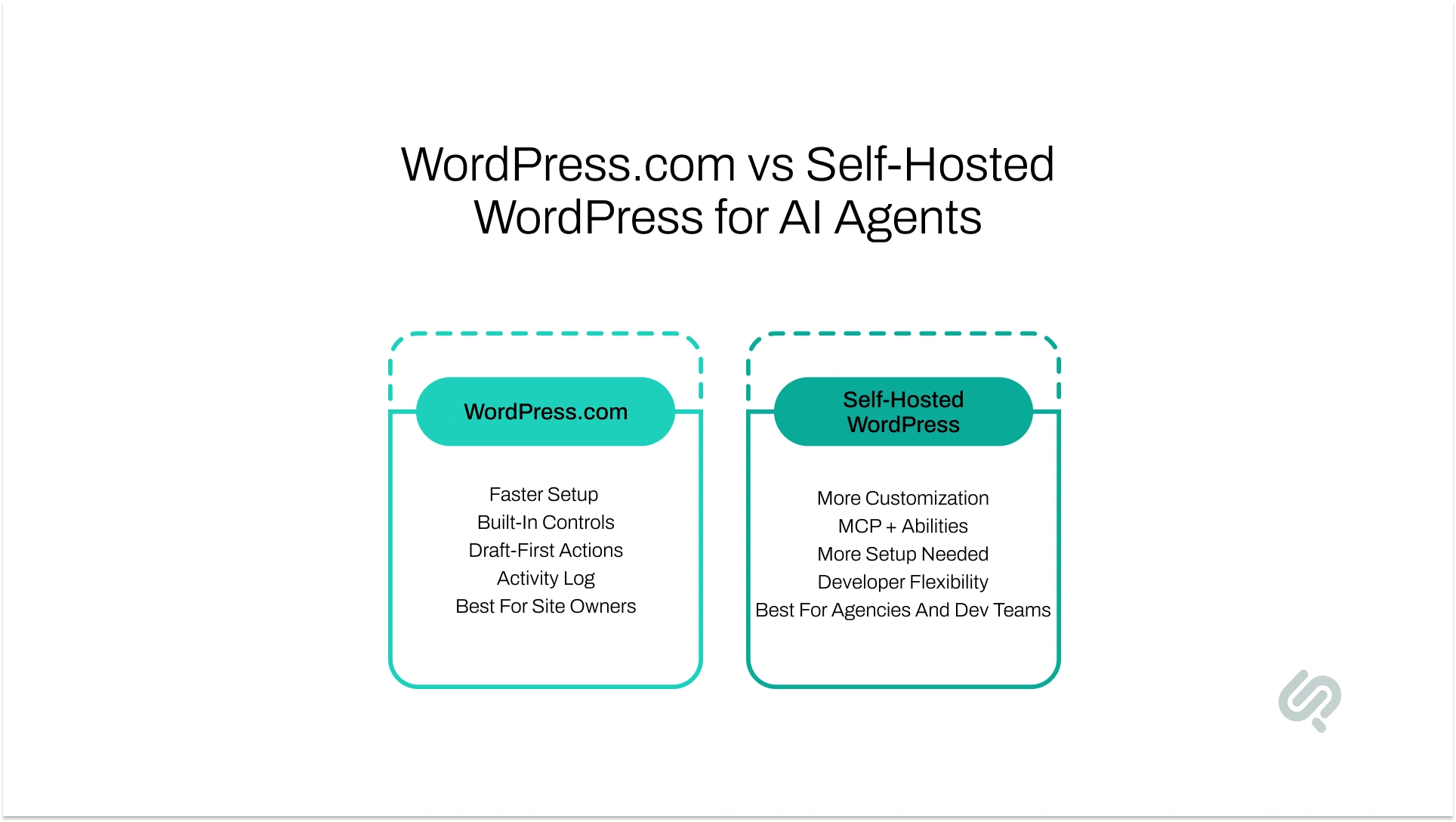
This is where many readers get confused. The phrase “WordPress AI” covers two different realities.
A simple way to think about it:
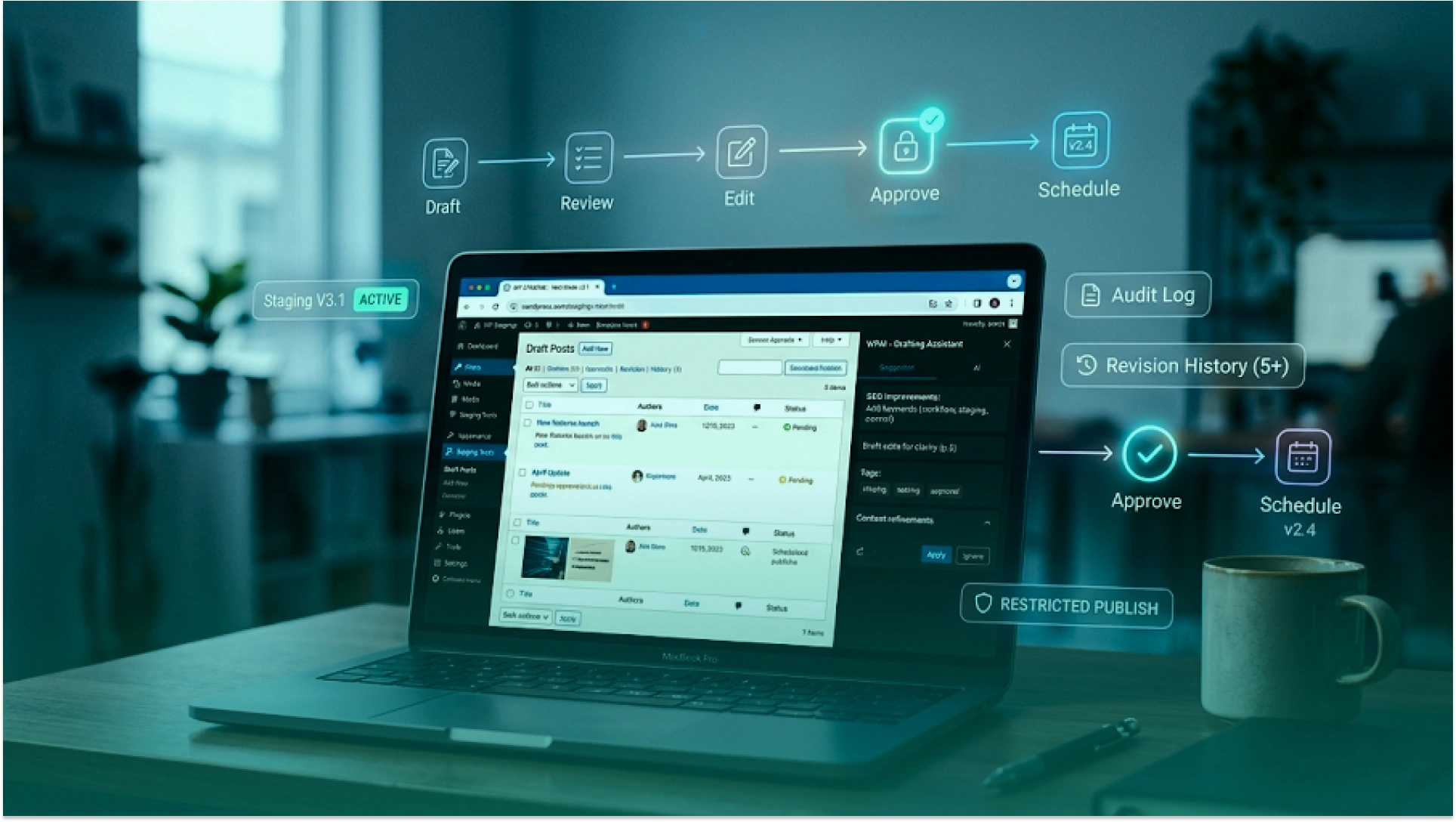
The smartest way to start is not full automation. Start with one narrow job, test it in a safe environment, and keep human review in place until the workflow proves it can be trusted.
That matches how WordPress.com has launched its AI writing actions and how WordPress developer guidance frames MCP experimentation.
If you use WordPress.com, start like this:
If you use self-hosted WordPress, start like this:
A good first workflow usually looks like this:
That is also why AI business process automation works best when the workflow is clear before the automation expands.
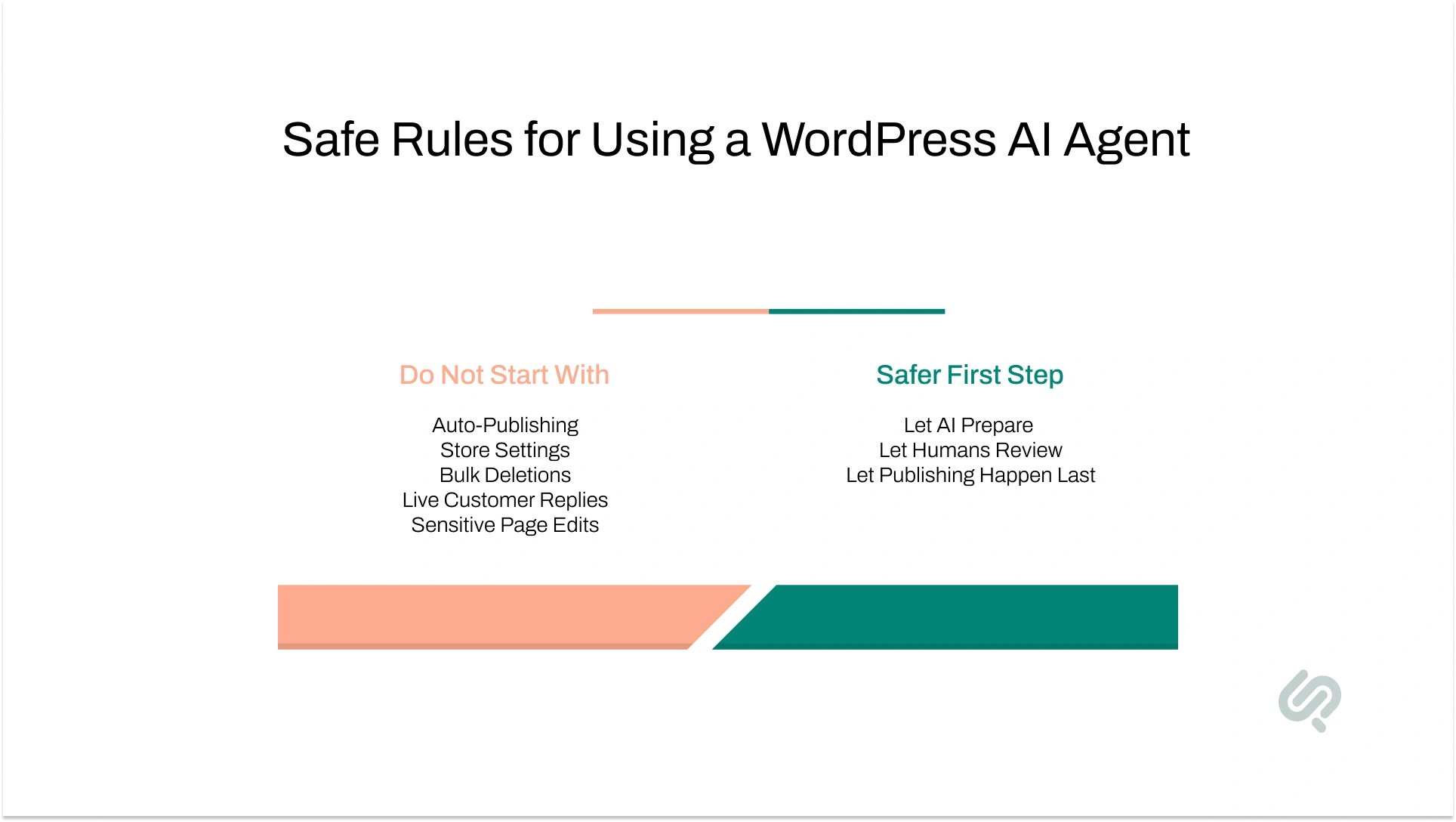
AI can save time, but not every task should be automated early. The safest setup uses AI for preparation, organization, and suggestions first, not for high-risk actions on a live site. That balance is also reflected in WordPress.com’s approval-first approach.
That caution is justified: Content Marketing Institute found that only 4% of B2B marketers report a high level of trust in generative AI output, while 67% report medium trust and 28% low trust, which is exactly why human review should stay in the loop. (3)
Hammad Maqbool (Head of AI at Phaedra Solutions) puts it well:
“The biggest mistake teams make is giving AI access before they define the workflow. In WordPress, the safer model is simple: let the agent handle repetitive preparation, but keep approvals, publishing, and business-critical changes with humans until the system proves it can be trusted.”
Do not start by letting AI:
A better rule is simple:
That is how AI-driven website management becomes useful without becoming risky.
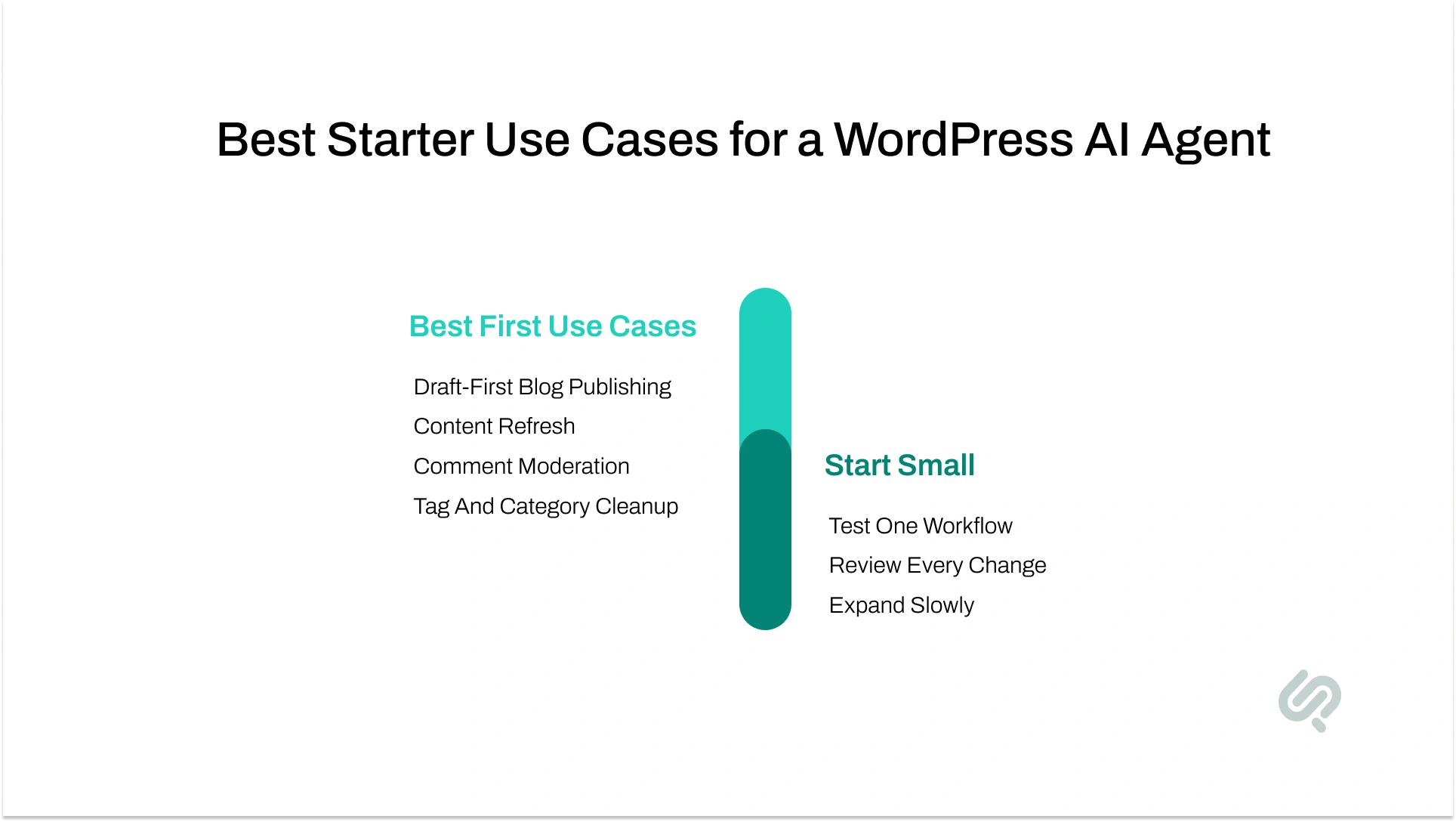
The biggest benefit of a WordPress AI agent is not just faster writing. The real value is that it can help run the small but important tasks around content, publishing, media, comments, and site updates.
Instead of switching between different AI tools, the WordPress dashboard, plugin settings, SEO fields, and media libraries, you can manage more of that work through one guided workflow.
Used properly, a WordPress AI agent can save time, reduce repetitive admin work, and make publishing more consistent.
But the best results usually come when each use case is clearly defined and a human still reviews important changes.
This is one of the safest and most useful starting points. In this setup, the AI helps prepare content but does not publish it automatically.
It can turn an idea into a draft, add headings, suggest tags, prepare SEO fields, and organize the post for review. That makes it a practical form of AI for bloggers, AI blog writing tool support, and Automate blog posts using AI in WordPress without giving up editorial control.
That shift is already visible in content teams: HubSpot reports that 52% of marketers use generative AI for text-based content creation, and 47% use AI to create blog posts, articles, and other long-form content. (2)
How it can be used:
How to implement it:
This is one of the best ways to use AI for bloggers, AI content automation, and automate blog posts using AI in WordPress without losing quality control.
A WordPress AI agent is also useful for improving older content. Many sites have blog posts or pages with outdated headings, weak metadata, missing alt text, messy tags, or poor formatting. These are repetitive updates that take time but do not need full manual effort every time.
How it can be used:
How to implement it:
This is a strong use case for sites that want better content quality without manually reworking every post one by one.
Comments are another area where AI can help without taking full control. A WordPress AI agent can support moderation by sorting comments, flagging risky ones, grouping questions, and even drafting reply suggestions.
This is useful for blogs, media sites, and businesses with active comment sections.
How it can be used:
How to implement it:
This is a practical way of using AI to manage comments and pages without creating brand risk.
Many WordPress sites become disorganized over time. Categories overlap, tags multiply without purpose, and content becomes harder to manage. A WordPress AI agent can help clean up that structure, which improves site organization and often helps SEO and usability too.
How it can be used:
How to implement it:
This is especially useful for growing blogs and publishers that want cleaner site architecture without doing everything manually.
Not every task on a site is about blogging. Many teams spend time updating service pages, rewriting sections, changing FAQs, fixing metadata, and improving old landing pages. A WordPress AI agent can help with that routine work too.
How it can be used:
How to implement it:
This is where AI-assisted website management starts to feel practical, especially for teams managing regular updates across marketing pages.
For agencies, one of the most valuable use cases is using an agent across multiple WordPress sites. The goal is not to let AI run every site on its own. The goal is to reduce repeated work across client projects.
How it can be used:
How to implement it:
For agencies, this is less about flashy automation and more about scaling routine work in a controlled way.
For larger sites, stores, and content-heavy businesses, the use cases go beyond blog posts. Some AI-ready tools now support WooCommerce products, product descriptions, structured fields, user-facing content, and other repeatable content tasks.
How it can be used:
How to implement it:
This is where smart AI workflows become useful for stores and content-rich sites, but only when boundaries are clear.
MCP is the layer that helps an AI tool understand what your WordPress site allows it to do. Instead of guessing, the AI can discover approved actions, read the right context, and use structured tools to complete a task more reliably.
In WordPress, this is powered by the Abilities API and the official MCP Adapter.
Here is the simple version of how it works:
Why this matters:
A generic plugin is not always enough.
If you want a WordPress AI setup that matches your publishing process, approval rules, content structure, and site permissions, our AI Agent Development service can help you build a custom workflow instead of forcing your team into a one-size-fits-all tool.
The right first step is not full automation. It is one controlled workflow that saves time without creating risk.
Book a WordPress AI Agent Consultation to map the safest starting point for your site, whether that is draft-first publishing, metadata cleanup, comment moderation support, or a custom MCP-based workflow.



Ameena is a content writer with a background in International Relations, blending academic insight with SEO-driven writing experience. She has written extensively in the academic space and contributed blog content for various platforms.
Her interests lie in human rights, conflict resolution, and emerging technologies in global policy. Outside of work, she enjoys reading fiction, exploring AI as a hobby, and learning how digital systems shape society.