

.webp)


.webp)
.webp)







Cloud outage resilience is a business’s ability to keep websites reachable, storage recoverable, and databases protected when a cloud provider, region, network path, or control plane fails.
It combines high availability, backup, failover, and tested recovery so one outage does not turn into revenue loss, data loss, or long periods of downtime.
Cloud outages are now a normal business risk for any company that depends on websites, cloud storage, databases, and third-party infrastructure. The goal is not to assume outages will never happen.
The goal is to keep critical services available where possible, recover fast where they do fail, and protect customer data throughout the incident.
Cloud outage resilience is your ability to keep critical services running or recover them fast when a cloud provider, region, or key dependency fails. It combines availability design, backups, failover, security controls, and tested recovery steps.
Protect the front door first with resilient DNS, CDN or edge caching, load balancing, and a simple outage mode. Then make sure core user journeys still work even if non-essential services fail.
Use versioning, cross-region copies, encryption, strict access controls, and at least one backup outside the immediate blast radius. Storage is only protected if your team can still access and restore it during the outage.
Databases need more than backups. Use replication, point-in-time recovery, restore testing, and a failover plan that matches your RTO and RPO.
No. Backups reduce data loss, but they do not keep systems online by themselves. You also need to restore access, test runbooks, failover design, and a way to keep essential services running while recovery happens.
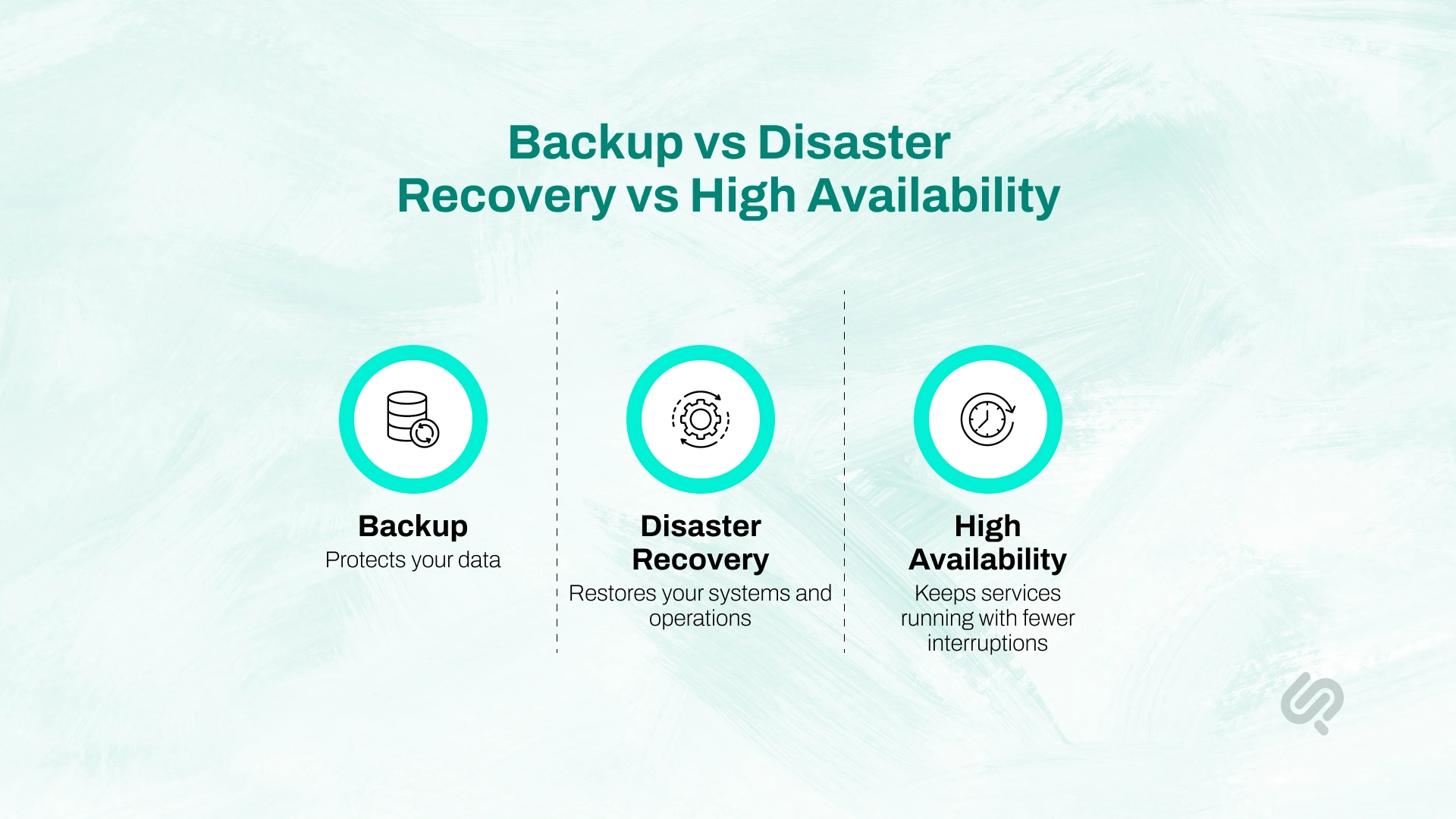
Many businesses use these terms as if they mean the same thing. They do not. If you want real cloud outage resilience, you need to understand where each one fits.
A simple way to think about it:
For most businesses, backup alone is not enough. A backup can protect data, but it does not guarantee that your website, cloud storage, or database will be available when a cloud region, network path, or control plane fails. That is why strong cloud backup and disaster recovery planning should work together with a high availability design.
If your goal is true cloud outage resilience, the question is not “Do we have backups?”
The better question is: Can we keep critical services available, and can we restore the rest fast enough when something breaks?
Before you choose tools or build a recovery plan, you need to be clear about the type of failure you are preparing for. A cloud outage is not always one simple event. It can take several forms:
Google Cloud’s own guidance makes this clear: even highly reliable platforms can still be disrupted by natural disasters, fiber cuts, and other complex infrastructure failures. In other words, planning for failure is not optional. It is part of responsible cloud design.
Every disaster recovery plan should start with two clear targets:
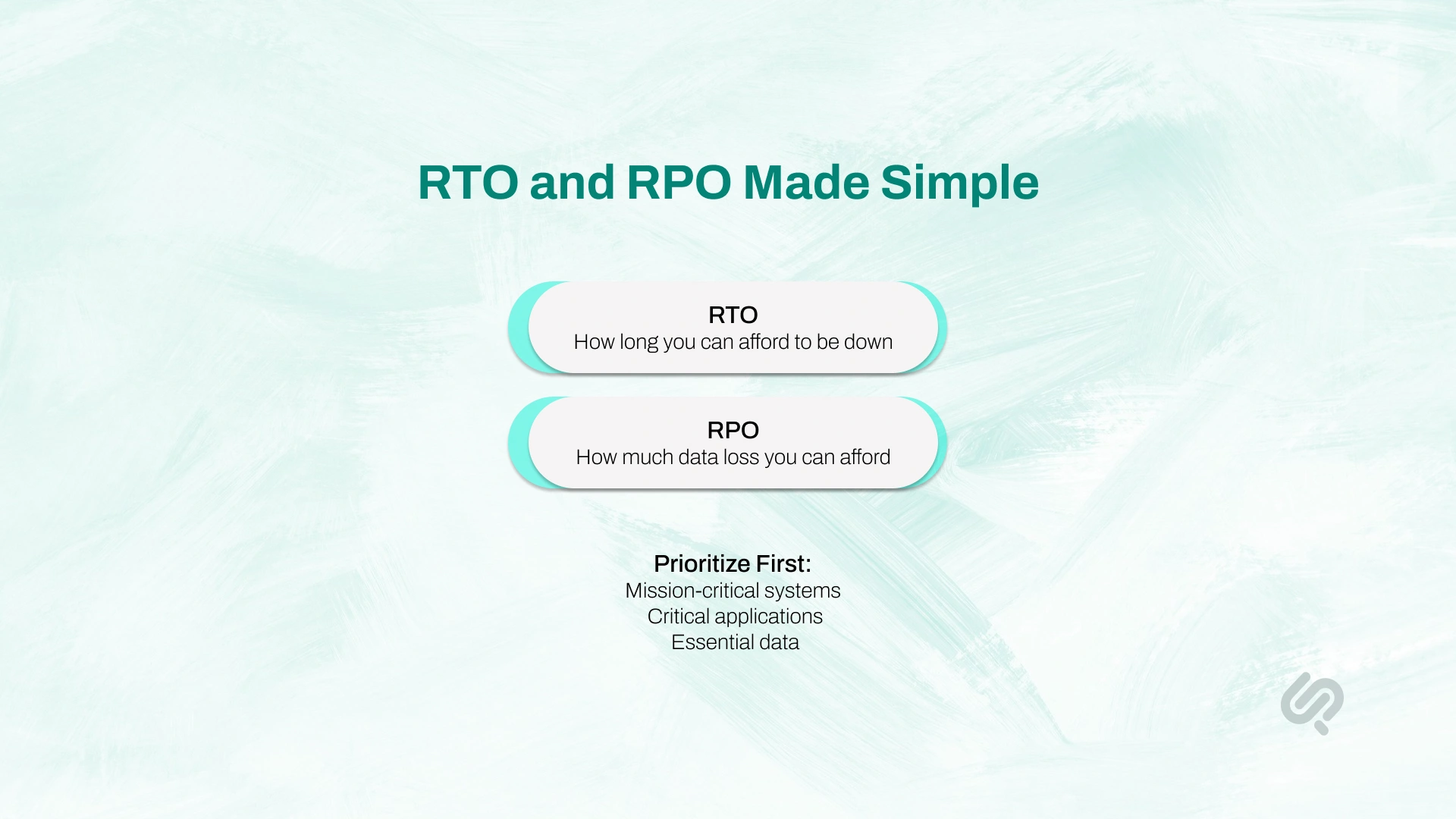
For example, if your website is your storefront, your RTO may be just a few minutes. If you are dealing with an internal reporting dashboard, a few hours may be acceptable.
The mistake many businesses make is labeling everything as mission-critical, then failing to fund or maintain a realistic plan.
A better approach is to classify systems by business importance:
Not every system needs the same level of protection. A brochure website, customer portal, payment flow, analytics dashboard, and production database should not all use the same recovery model.
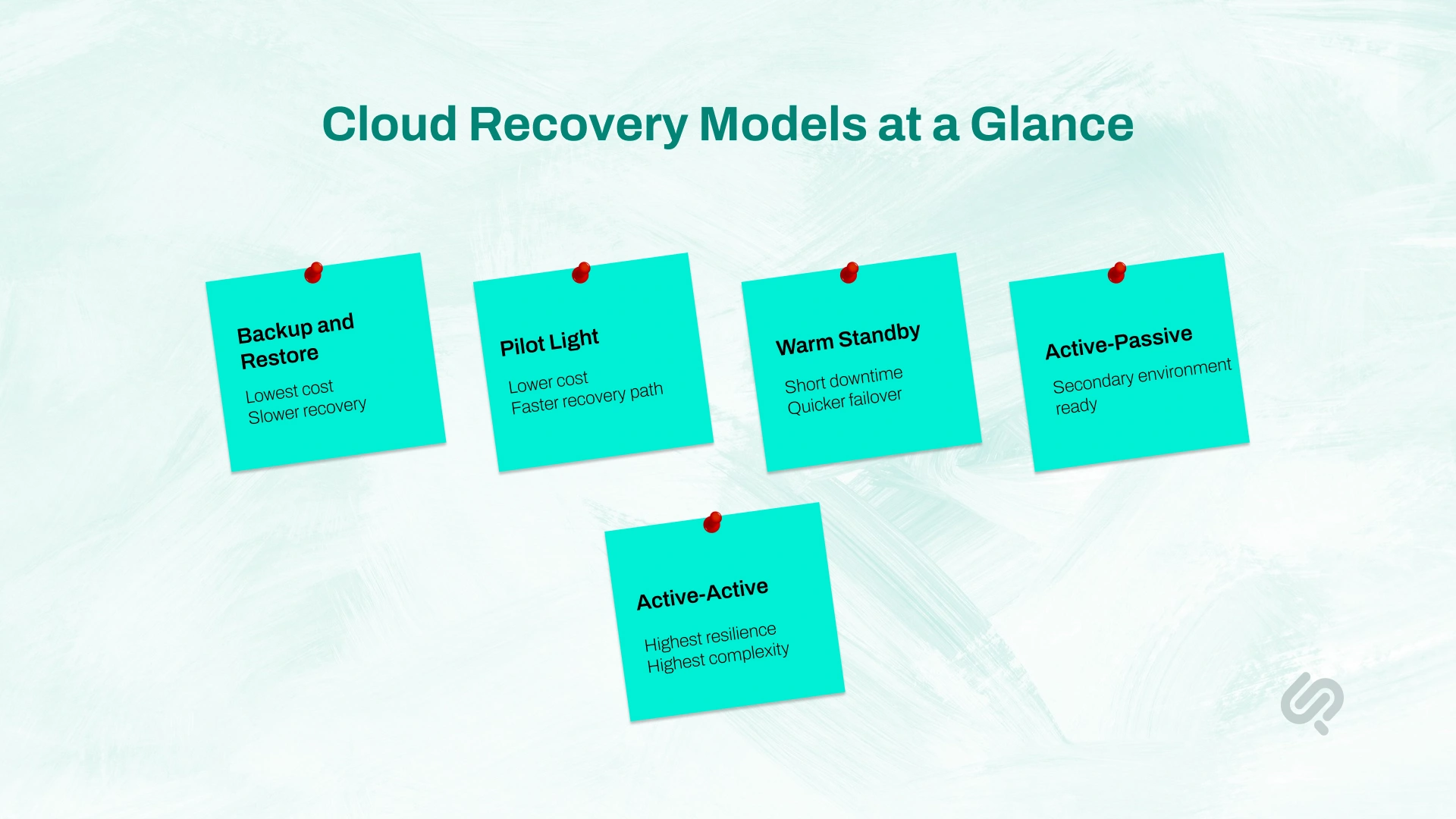
The right setup depends on your RTO, RPO, business risk, and budget.
This is the simplest model. You restore systems from backups after failure.
Best for:
Use this when:
This keeps a minimal version of your environment ready in another location. You scale it up during an outage.
Best for:
Use this when:
This keeps a smaller but working version of the system running in another region or environment.
Best for:
Use this when:
Your primary environment runs live. A secondary environment is ready to take over.
Best for:
Use this when:
Two live environments serve traffic at the same time.
Best for:
Use this when:
The key is to match the model to the real business need. Many companies overspend on low-value systems and under-protect the systems that matter most.
Real cloud outage resilience starts when each workload has the right level of recovery built around its actual business impact.
Many outages are not caused only by the cloud provider. In many cases, the bigger problem is how many systems depend on each other to keep working. Reports also found that third-party involvement appeared in 30% of breaches, which is a reminder that risk does not stop at your own infrastructure. (1)
This is where resilience often breaks down. Identity, DNS, storage, automation, access controls, third-party APIs, and monitoring tools may all depend on one another. When one fails, recovery slows down because the systems needed to fix the issue are also affected.
That is why cloud outage resilience is not just about uptime. It is about reducing dependency risk, limiting blast radius, and making sure one failure does not take everything else down with it.
A cloud outage is not just an uptime problem. It is also a security risk.
When systems fail, teams often make fast decisions under pressure. That can lead to:
That is why downtime should be treated as both a business continuity issue and a security issue.
The business impact is often immediate: Research found that 54% of respondents said their most recent significant, serious, or severe outage cost more than $100,000, and 16% said it cost more than $1 million. (2)
The financial risk is also serious. IBM reports that the global average cost of a data breach is USD 4.44 million, while the average cost in the United States is USD 10.22 million. (3)
Even when an outage is not a breach, it often creates the conditions that make a breach more likely, because teams are under pressure and attackers know exactly when organizations are most vulnerable.
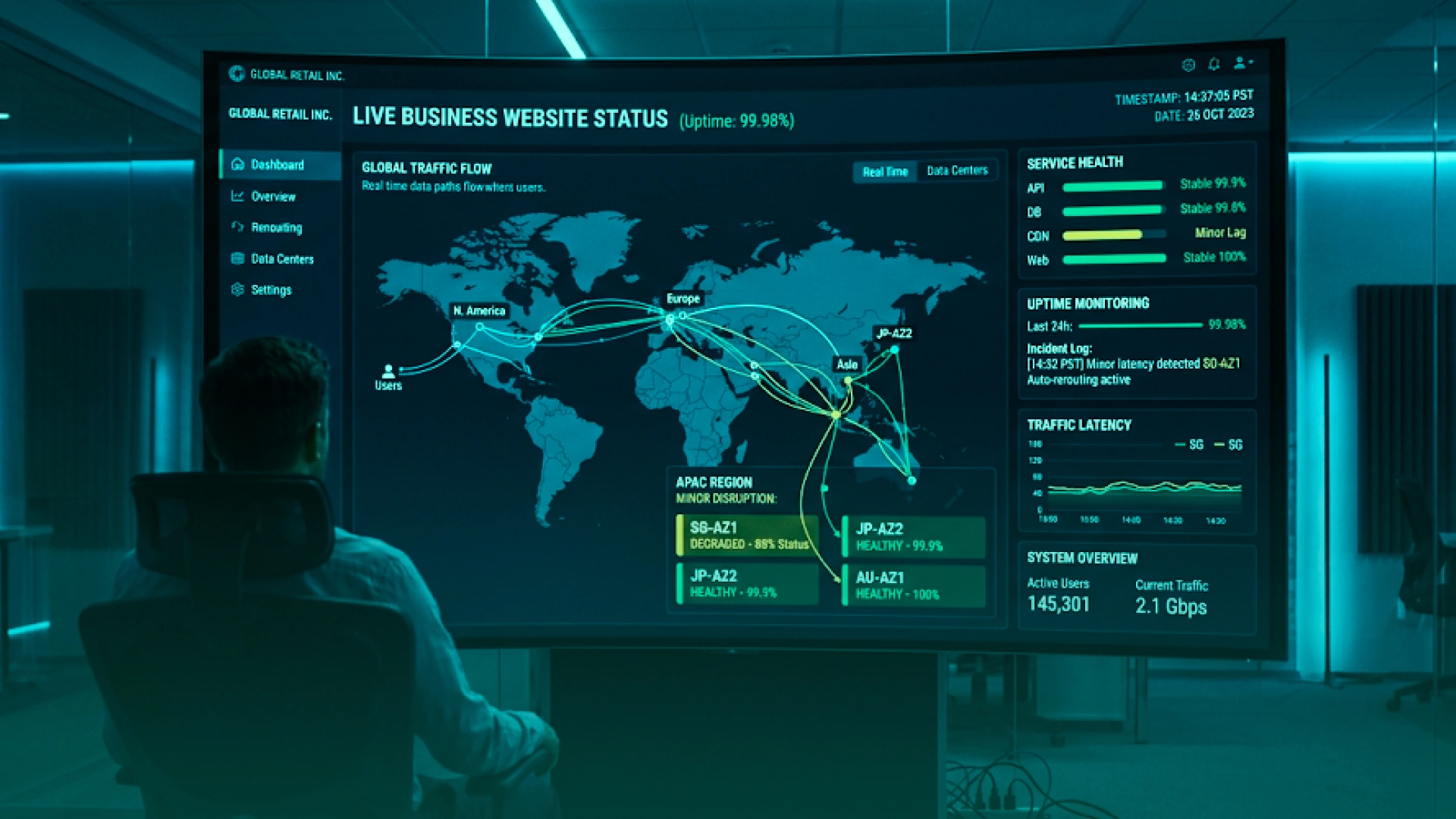
When a major cloud failure happens, websites usually break in one of three ways:
The goal is not to build a site that never fails. That is not realistic. The goal is to build a site that stays available where possible and degrades in a controlled way when full service is not possible.
When the “front door” of your website depends on one provider, one region, or one fragile setup, outages hit fast. That is why the first layer of protection should focus on how users reach your site.
A few simple steps make a big difference:
This matters because during many real outages, the problem is not just the app. Teams often discover that they cannot update DNS quickly, cannot route traffic cleanly, or cannot keep even a basic version of the site online.
A cached or simplified version of the site can buy valuable time, reduce panic, and protect customer trust while the main system recovers.
For a real example of how one edge provider issue can disrupt major apps and websites at once, see our Cloudflare outage guide and the steps website owners can take to stay online.
A website does not always need every feature working at once. In many cases, keeping the most important parts online is far better than going completely dark.
A good continuity strategy includes an outage mode with things like:
This approach helps your business “bend instead of break.” If the database or another backend service is unavailable, the customer may lose some features, but they still know your business is active, reachable, and responding.
A common mistake is assuming that multiple availability zones make a website fully outage-proof.
They do not. Multi-AZ is strong protection against many infrastructure failures, but it does not fully protect you from regional outages, control-plane incidents, or shared service problems.
For most websites, a solid starting point looks like this:
This gives you a strong baseline for high availability without overcomplicating the architecture. If you want a simpler breakdown of how cloud hosting supports redundancy, scalability, and reduced downtime, read our guide on building scalable web apps with cloud hosting.
If your website supports payments, customer logins, bookings, healthcare workflows, or other core business functions, AZ-level protection may not be enough. In those cases, you need to plan for a full region-level failure.
That usually means choosing one of these models:
The right model depends on cost, complexity, and the business impact of downtime. What matters is making sure your recovery setup matches the real importance of the service.
Modern websites rarely fail because of one web server going down. They usually fail because too many connected services break down together.
Common weak points include:
The more dependencies your website has, the more likely one failure can spread across the whole user experience. That is why your design should reduce blast radius wherever possible.
The best continuity plans protect the workflows that matter most.
A few practical examples:
This is one of the most useful ways to protect websites during cloud failures. Not every feature deserves equal priority. Your goal is to keep the most valuable customer actions available for as long as possible.
Mujtaba Sheikh, design and development expert at Phaedra Solutions, says:
“Resilient systems are built around priority flows, not perfect uptime. When dependencies fail, the safest websites are the ones designed to keep core user actions working even in a reduced mode.”
Cloud storage often looks safe on paper because the files still exist. The real problem during an outage is access, integrity, and recovery speed.
A stronger cloud storage security and resilience setup should include:
It also helps to think beyond storage copies alone. During a real outage, your team may struggle to access consoles, permissions, or restore tools. That is why at least one recovery path should be documented outside the main cloud account, with clear restore steps and tested access.
For most businesses, a good storage baseline looks like this:
That is what makes storage resilient, not just backed up.
Databases need a different recovery plan from websites and static storage because they handle live transactions, state changes, and business-critical records.
A strong database disaster recovery approach usually combines three things:
Here is the simple rule:
Database protection should also cover:
A database is not truly protected just because a backup exists. It is protected when your team can restore or fail over it fast enough to meet business needs. That is the real difference between “we have backups” and “we have cloud outage resilience.”
A cloud outage is one of the worst times to discover that your security controls only work when every service is healthy. Real cloud outage resilience means your access controls, logging, monitoring, and protective limits still help you during degraded conditions.
Access is often the first thing that becomes messy during an outage. Teams are under pressure, systems are unstable, and people start asking for broader access just to move faster.
To reduce that risk:
The goal is simple: your team should still be able to recover systems quickly without creating permanent access risk.
If your environment runs on AWS, our AWS account setup guide is a useful follow-up for tightening IAM, MFA, and account separation from the start.
During an outage, visibility often gets worse right when you need it most. If logs, alerts, or dashboards depend fully on the same cloud provider or region, you can lose the signals that tell you what is really happening.
A stronger setup includes:
This matters because outages can hide security incidents, failed restores, and misconfigurations.
Not every traffic spike during an outage is a deliberate attack. Sometimes your own systems create the problem. Clients retry requests, users refresh pages, integrations reconnect, and failing endpoints get hit harder and harder.
To reduce this:
This protects customer experience while also reducing pressure on unstable systems.
Good outage security is not about adding more tools in the middle of an incident. It is about making sure the controls you already depend on still work when the cloud environment is degraded.

This is one of the most important parts of cloud disaster recovery, but many businesses still under-invest in it.
Do not just test whether backups restore. Test what happens when normal cloud access is limited.
Focus on two things:
A good DR plan should prove that your team can still recover critical systems even when the outage affects management tools, not just production workloads.
Monitoring should not depend fully on the same region or provider as your main workload. If it does, you may lose visibility at the worst time.
A strong baseline includes:
Cloud SLAs are useful, but they do not keep your website online or restore your database during an outage. Use them to understand what the provider covers, what still belongs to your team, and where you still need your own redundancy, backups, and failover planning.
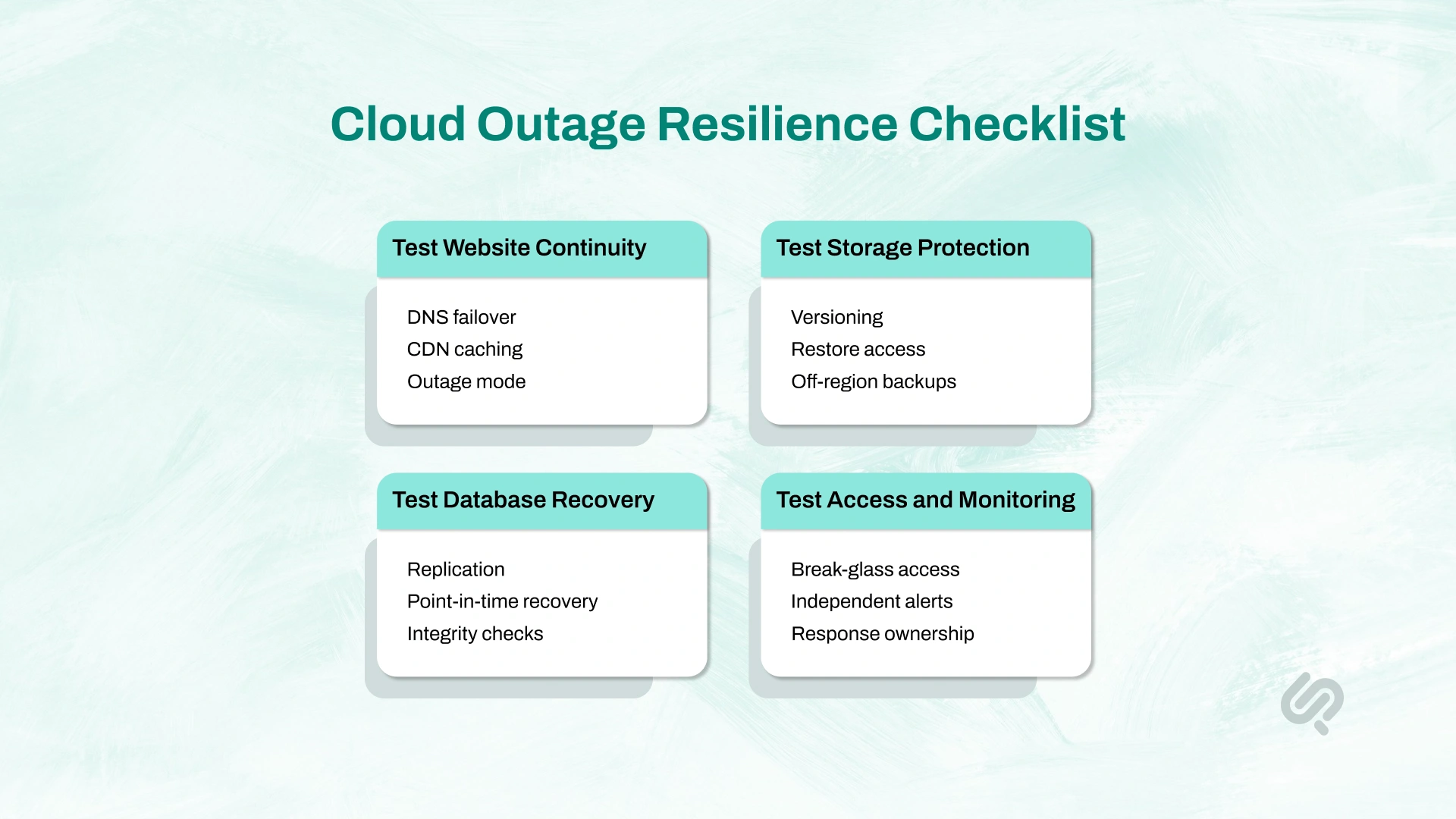
The best disaster recovery plan is the one your team has already tested under pressure.
Use this checklist to review your current setup:
This kind of checklist improves cloud outage resilience because it focuses on what actually breaks in real incidents: not just data, but access, routing, dependencies, visibility, and recovery execution.
If your business depends on websites, storage, and databases every day, the most useful next step is a clear review of where your current setup can still fail.
Phaedra Solutions offers a cloud resilience assessment focused on:
The goal is not to overcomplicate your architecture. The goal is to show you what needs to be fixed first, what level of resilience your business actually needs, and how to strengthen your environment before the next outage exposes the gaps.
Book a consultation with Phaedra Solutions to review your current cloud setup and improve your cloud outage resilience with a practical plan built around business risk.



Ameena is a content writer with a background in International Relations, blending academic insight with SEO-driven writing experience. She has written extensively in the academic space and contributed blog content for various platforms.
Her interests lie in human rights, conflict resolution, and emerging technologies in global policy. Outside of work, she enjoys reading fiction, exploring AI as a hobby, and learning how digital systems shape society.