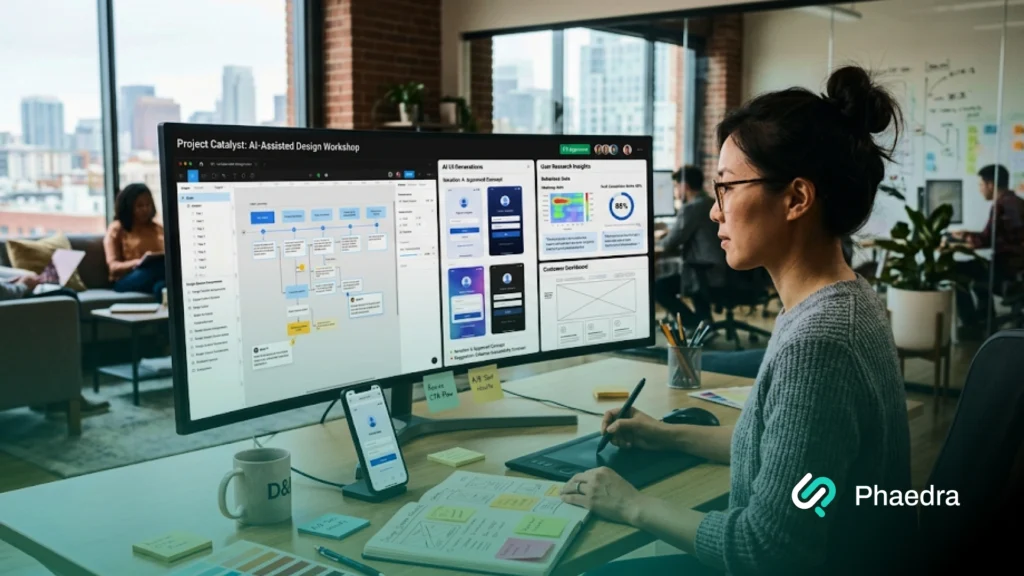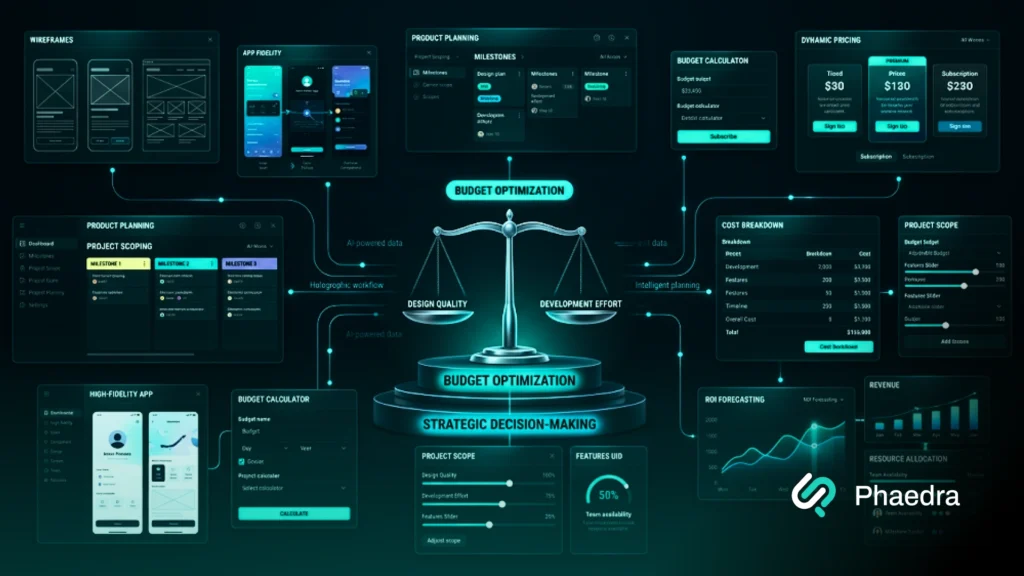






Abstract Dark Blue and Cyan Polygonal Pattern Presenting Professional Ui Design | Phaedra Solutions | Phaedra Solutions

Professional UI Design Services

We Design Screens That Make Complex Software Feel Simple To Operate

Turn product requirements, UX direction, and brand guidelines into clear, high-fidelity interfaces for SaaS platforms, mobile apps, dashboards, portals, and enterprise systems. Our UI design services cover responsive screens, reusable components, interaction states, design systems, and developer-ready handoff, so users get a consistent product experience and your engineering team gets a clear interface system to build from.
Clutch Guaranteed | 14-Day
Money-Back Guarantee
Clutch Guaranteed | Terms & Conditions
Rated 5 out of 5
Clutch Guaranteed | 14-Day Money-Back Guarantee
Clutch Guaranteed | Terms & Conditions
Clients
0 +
Project Delivery Success
0 %
Clutch
0 /5
Global Offices
0

Too Many Screens, Not Enough Consistency?

Build One UI System Your Whole Product Can Scale On

How We Solve UI Design Challenges

Interface Problems We Solve Before They Reach Development

1. Confusing Interface Hierarchy

Features may work correctly, but crowded screens, unclear priorities, and inconsistent controls make the product harder to use than it needs to be.

We use high-fidelity UI design to fix layout priorities, controls, and interface patterns so people can tell what matters and what to do next.

2. Inconsistent Screens And Components

As teams ship features independently, products accumulate different buttons, forms, spacing rules, and icon styles.

We standardize components, design tokens, and shared interface rules through a UI design system, so growth stops creating new inconsistencies.

3. Poor Responsive Design

Resizing a desktop layout is not the same as designing for one. Dense dashboards, forms, and data tables need different hierarchy, density, and touch behavior across breakpoints.

Our responsive UI design work defines those decisions device by device, not as an afterthought.

4. Design-To-Development Gaps

A finished Figma file can still leave developers guessing at spacing, states, and edge cases.

We prepare developer-ready UI design specifications and stay involved through implementation, so what ships matches what was approved.

Business Impact: What Changes With Structured UI Design

Current Situation
Inconsistent screens across the product
Unclear visual priorities
Components rebuilt for every feature
Interfaces that break on mobile
Guesswork during handoff
With Structured UI Design
Reusable interface components
Defined information hierarchy
Shared component library
Responsive layout rules
Developer-ready specifications
Business Impact
A product that feels like one system
Faster comprehension for users
Less design and development rework
Consistent experience across devices
Fewer implementation surprises

A structured interface gives product and engineering teams one visual system to build from, instead of a growing pile of one-off screens.

Fix the interface before it costs you more screens to fix.
UI Design Services

UI Design For New Builds, Redesigns, And Growing Products

Our user interface design services support a new product, a single feature, a full application redesign, or a platform that has simply outgrown its current interface standards. We work from your product requirements and established UX direction to decide how information, controls, components, and states should look and behave.

Start With What You Need

High-Fidelity Interface Design

We turn approved requirements and UX flows into detailed screens covering layout, typography, color, iconography, and control behavior for every core workflow.

Common Deliverables:

  • High-fidelity product screens
  • Layout and visual hierarchy decisions
  • Typography, color, and grid rules
  • Interactive prototypes where required

Why UI Design Matters & Deliverables

What Goes Into A Buildable Product Interface

Professional UI design decides how product functionality shows up on screen. It ties together hierarchy, components, states, responsive rules, and accessibility so the interface behaves like one connected system rather than a set of separate mockups.

How UI Design Differs From Adjacent Work

Discipline

Typical Ownership

UX Design

Research, user flows, information architecture, usability validation

UI Design

Visual hierarchy, screens, components, states, interaction, responsive behavior

Branding

Positioning, identity, messaging, visual and brand standards

Frontend Development

Turns approved interface specifications into working software

Cluster of vibrant 3D hexagons on light backdrop presenting Product UI design

What You Actually Get

Our professional UI design services can include:

What you receive depends on the product and what your team already has in place. What stays constant is an interface system engineering can build from without guessing.

Industry Applications of UI Design

How UI Design Adapts Across Industries

Don’t see your industry listed? Interface requirements depend more on your users, data, and platform than on a

template built for someone else’s product. Tell us about it, and we’ll show you where the engagement fits.

UI Delivery Process

How We Take Your Brand From Research To Rollout

Review The Product Inputs

We go through existing product requirements, UX flows, brand assets, target platforms, and any components already in use

Set The Interface Direction

We define typography, color, layout principles, spacing, and core component direction before we touch dozens of individual screens.

Design Core Screens & States

We design the screens behind your main product workflows, covering loading, empty, error, success, and disabled states along the way.

Build Reusable Components

Patterns that repeat across the product become components, variants, and shared styles, so new screens don’t require reinventing the interface.

Adapt Across Devices

We test layouts and components across different screen sizes, content lengths, and edge cases. Mobile is treated as its own interface context, not a shrunk desktop view.

Handoff & Implementation

Files, specifications, assets, and interaction notes go to development, and our designers can review the build against the approved interface where needed.

Tools That Support Our Interface Design Workflow

Tools support the work. They don’t replace design judgment.

  • Interface Design & Prototyping: Figma • Adobe XD • ProtoPie
  • Collaboration & Handoff: Figma Dev Mode • Zeplin • Miro
  • Visual Asset Production: Adobe Illustrator • Adobe Photoshop
  • AI-Assisted Workflows: Design exploration, early variations, repetitive production, and documentation support

As an AI-first digital engineering company, we use AI to speed up the parts of the workflow that benefit from it, while senior designers stay responsible for the interface decisions that matter.

Abstract aqua and teal fluid art backdrop canvas showcasing Interface Design tools

Why Choose Phaedra Solutions for UI Design?

Our Designers Think Beyond Figma Files

An interface has to survive contact with real development constraints. Our designers sit inside the same organization as our frontend engineers, mobile developers, QA specialists, and product teams, so interface decisions get tested against actual software limits before they turn into expensive rework.

States And Edge Cases Covered

We account for components, variants, real content, and edge cases rather than handing over a set of isolated mockups.

Engineering Involved Early

Designers work directly with engineers to understand frontend architecture, reusable patterns, and what needs documenting before a single line of code is written.

Components Built To Scale

Reusable components and interface standards mean expanding the product doesn’t require redesigning the same pattern every time a feature ships.

New Builds And Redesigns

We can build an interface from scratch or modernize an existing one, working around the patterns your users already know.

Senior-Led, AI-Assisted Design

AI supports exploration, documentation, and production variants. Senior designers decide what actually belongs in the final interface.

Design, Engineering, And QA Together

Once an engagement moves past design, you get access to frontend, mobile, backend, QA, DevOps, AI, and product expertise without repeating context for a new vendor.

Media Mentions

Meet Your UI Expert

Scope Your UI Project With A Senior UI Expert

Mujtaba Ahmed Sheikh

Mujtaba Sheikh, CTO & Operations Lead, helps shape engagements around the actual interface problem, not a generic scope of work.

Bring your existing product, screenshots, Figma files, requirements, or a list of what feels broken. We’ll help you work out whether you need focused UI execution, a redesign of an existing product, or design paired with engineering support.

The goal is to define the right scope before we assign designers or start producing screens.

Resources & Knowledge Centre

UI Design Resources And Guides

Engagement Models

Choose The Level Of UI Support Your Product Needs

The right model depends on whether you need a defined interface project, a designer embedded in your team, implementation support, or an ongoing system that grows with the product.

  • Typically included: interface direction, high-fidelity screens, components, states, responsive layouts, prototypes where required, Figma files, and developer handoff.
  • Typically not included: Extensive UX research, full brand strategy, frontend development, third-party licenses, formal accessibility certification, or ongoing development unless separately agreed.

Fixed-Scope UI Design Project

Built for teams with defined product requirements and enough UX direction to move directly into detailed interface design. We establish the visual direction, design priority screens and states, create reusable components, adapt the interface across devices, and prepare everything for engineering within an agreed scope.

Typical first 3 months:

Month 1: Inputs + Interface Direction
Month 2: Screens + Components
Month 3: Responsive Design + Handoff

Dedicated UI Designer

One UI designer works closely with your product and engineering team across an ongoing pipeline of features, screens, and product improvements. The designer builds context around the existing interface, extends established patterns, adds new components, and supports development as the product evolves.

Typical first 3 months:

Month 1: Learn Product + Set Patterns
Month 2: Design + Expand Components
Month 3: Iterate + Support Development

UI Designer + Engineering Support

Built for teams that want interface and implementation decisions to stay connected. Your UI designer works alongside frontend and product engineers to validate technical constraints, define reusable patterns, prepare developer-ready specifications, and review implementation so the shipped interface stays close to the approved design.

Typical first 3 months:

Month 1: Define UI + Technical Constraints
Month 2: Design + Begin Implementation
Month 3: Build + Review Interface Fidelity

Ongoing UI & Design Partnership

Built for scale-ups and enterprise products with a growing number of screens, modules, teams, or interface patterns. We continuously design new product areas while reducing interface debt, standardizing components, expanding the design system, and helping product and engineering teams apply the same standards consistently.

Typical first 3 months:

Month 1: Audit + Prioritize Interface Debt
Month 2: Standardize + Design
Month 3: Expand + Operationalize the System

Is This The Right Service?

When You Need UI Design And When You Don’t

Dedicated UI design services work best when the core requirement is the visual and interactive layer of a digital product. Some problems need a different service before detailed screen work makes sense.

  • You need user research, personas, journey mapping, or information architecture before screen design starts
  • You need product strategy, feature prioritization, or roadmap guidance
  • You mainly need a marketing website, landing pages, or website conversion work
  • You need a new brand position, logo, or full visual identity
  • Your interface designs already exist, and you only need frontend implementation
  • You only need isolated illustrations or graphic-design assets
  • You need formal accessibility certification rather than accessibility-aware design
  • Your request is a small one-off visual task, not a full interface engagement
Glowing light bulb with vibrant colorful flames against dark backdrop presenting UI Design

In those cases, User Experience Design, Product Design Consultancy, Web Design, Branding, Frontend Development, or another specialist service is likely the better fit.

FAQs

User Interface Design defines how a digital product looks and behaves on screen, including layout, components, states, and interactions. UX covers the broader research, structure, and validation behind the experience. UI takes those inputs and builds the visual and interactive layer users actually see.

Depending on the project, work can include visual direction, high-fidelity screens, responsive layouts, typography and color decisions, components and states, interaction patterns, prototypes, design systems, accessibility considerations, and developer handoff.

Yes. A redesign doesn’t have to mean starting over. We review what already works, flag what’s inconsistent or outdated, and decide what should stay, get standardized, or be gradually migrated.

Yes. We create reusable component libraries and design systems sized to what the product actually needs, covering components, variants, states, typography, color, and usage documentation.

Cost and timeline depend on the number of screens, platforms, existing UX inputs, component requirements, and whether implementation support is included. We define scope and pricing after reviewing the product and requirements.

Related Services

Other Ways We Can Support Your Product

UI design often connects with broader product, UX, branding, and development needs. Explore related services based on what your product needs next.

Book a Free UI Strategy Session

Know What Your Interface Needs Before You Redesign It

Why Book A Strategy Session?

  • Review your current interface or product requirements
  • Identify the main interface problems
  • Decide whether you need new UI or a redesign
  • Assess your current components and design system
  • Clarify what design-to-development handoff should look like
  • Confirm whether UI design or another service is the right fit

What Happens Next?

  • Book your session
  • Meet a senior Phaedra Solutions designer
  • Walk through the product, screens, and current constraints
  • Identify the interface work that actually needs to happen
  • Define the first phase and the capabilities it needs
  • Agree on the engagement model and next step

Tell us what you’re building — and we’ll take it from there.

Let’s Talk About Your Project

Fill out the form to schedule a free 30-minute discovery call where we understand your idea, offer early advice, and suggest the best next steps.

Great! We’ve received your information.

Great! We’ve received your information.

What are you looking to achieve?*

When are you planning to start?*

What best describes your involvement in this project?*

Select Your Budget*

Select a Service or Technology*